
Business Growth
How to Choose a POS System for a Small Restaurant
Evaluate a small restaurant POS with realistic order, payment, kitchen-routing and closing scenarios, then confirm features and costs in the exact proposal.
By Ontiloo · October 14, 2026 · 2 min read
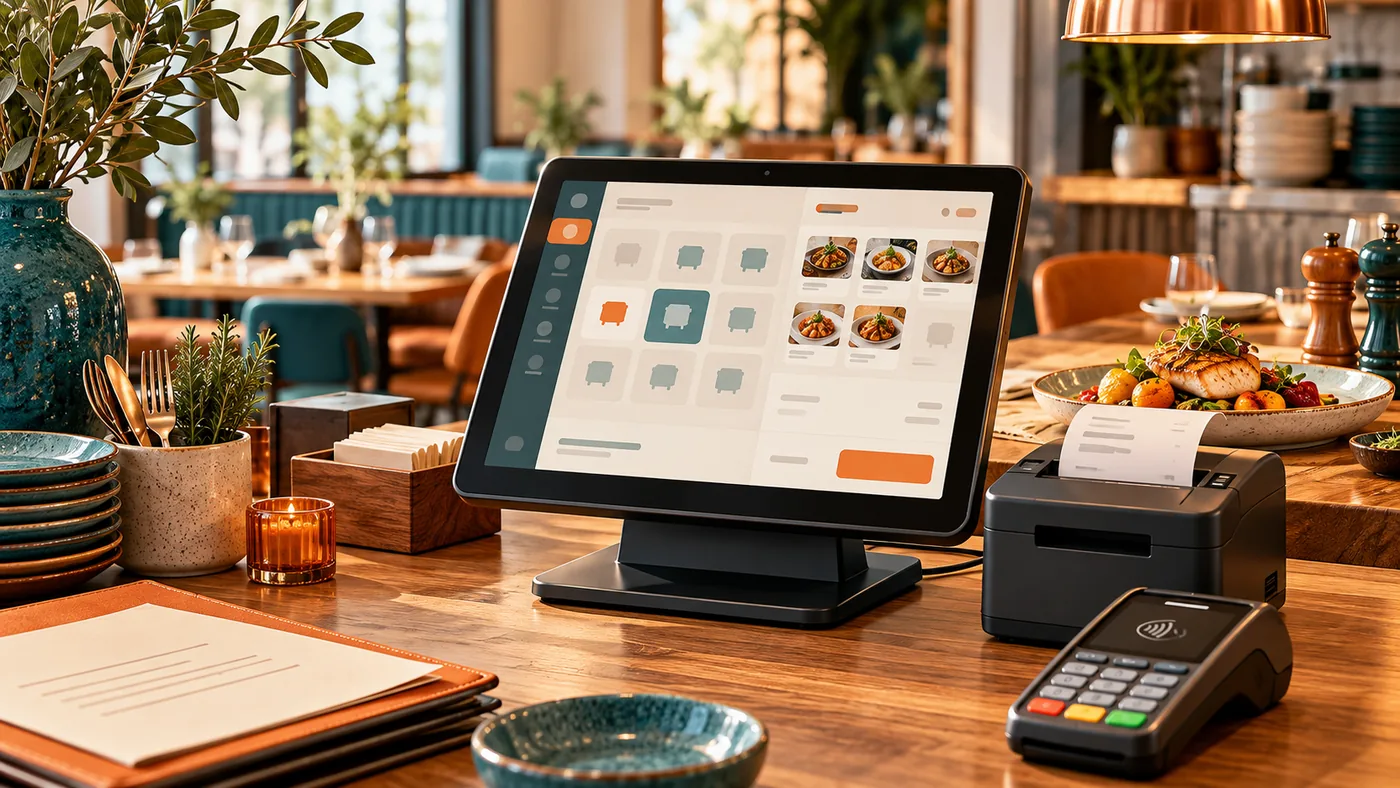
A small restaurant POS should support the way orders move from customer to kitchen to payment. Begin with your service model: counter service, table service, takeout or a combination. Ask providers to demonstrate the actual workflow and confirm every required integration in writing.
Use a restaurant-specific demo
Create fictional orders with modifiers, an item change, a void, a split bill and a refund. Include table transfers, kitchen routing, online orders or delivery only when your business needs them. Do not assume a general POS includes a kitchen display, inventory system or delivery integration.
| Area | Question |
|---|---|
| Menu entry | Can staff find items and required modifiers quickly? |
| Order routing | Where do food and drink items go, and how are changes communicated? |
| Payments | How are split bills, tips and refunds handled? |
| Permissions | Who can void, discount or reopen a transaction? |
| Closing | Can sales, cash, card activity and deposits be reconciled? |
| Reliability | What remains available during a network problem? |
Check the busy-period workflow
Have a staff member complete the demo tasks rather than only watching the salesperson. Measure where extra taps or unclear prompts slow the process. Test a corrected order after it has already reached the kitchen, and ask how staff know which version is current.
Review hardware and integrations
Confirm exact terminal, printer and payment-reader models. If online ordering or another system is involved, ask who supports the connection, how failures are detected and whether orders can be duplicated. Distinguish included features from separately billed modules.
Compare total costs and exit terms
Include hardware, software, processing, installation, training and required integrations. Clarify contract duration, equipment ownership, cancellation and data export. A low monthly software fee may not reflect the full operating commitment.
Plan a controlled launch
Verify the menu, tax configuration with the appropriate adviser, staff permissions and opening balances. Practice normal and exception transactions before live service. Keep support contacts and a fallback process available for the first trading days.
Ontiloo serves local businesses including restaurants. Discuss your workflow and request confirmation of the exact restaurant functions available in the proposed solution.
Keep exploring
Published by Ontiloo · October 14, 2026. Examples are illustrative unless stated otherwise. Product capabilities, prices and platform rules should be checked against the current provider documentation and your agreement.