
POS & Payments
Contactless Payments for Nail Salons: What to Check Before Setup
Prepare contactless payments for a nail salon by checking terminal compatibility, processor support, receipts, refunds, staff training and network reliability.
By Ontiloo · October 14, 2026 · 2 min read
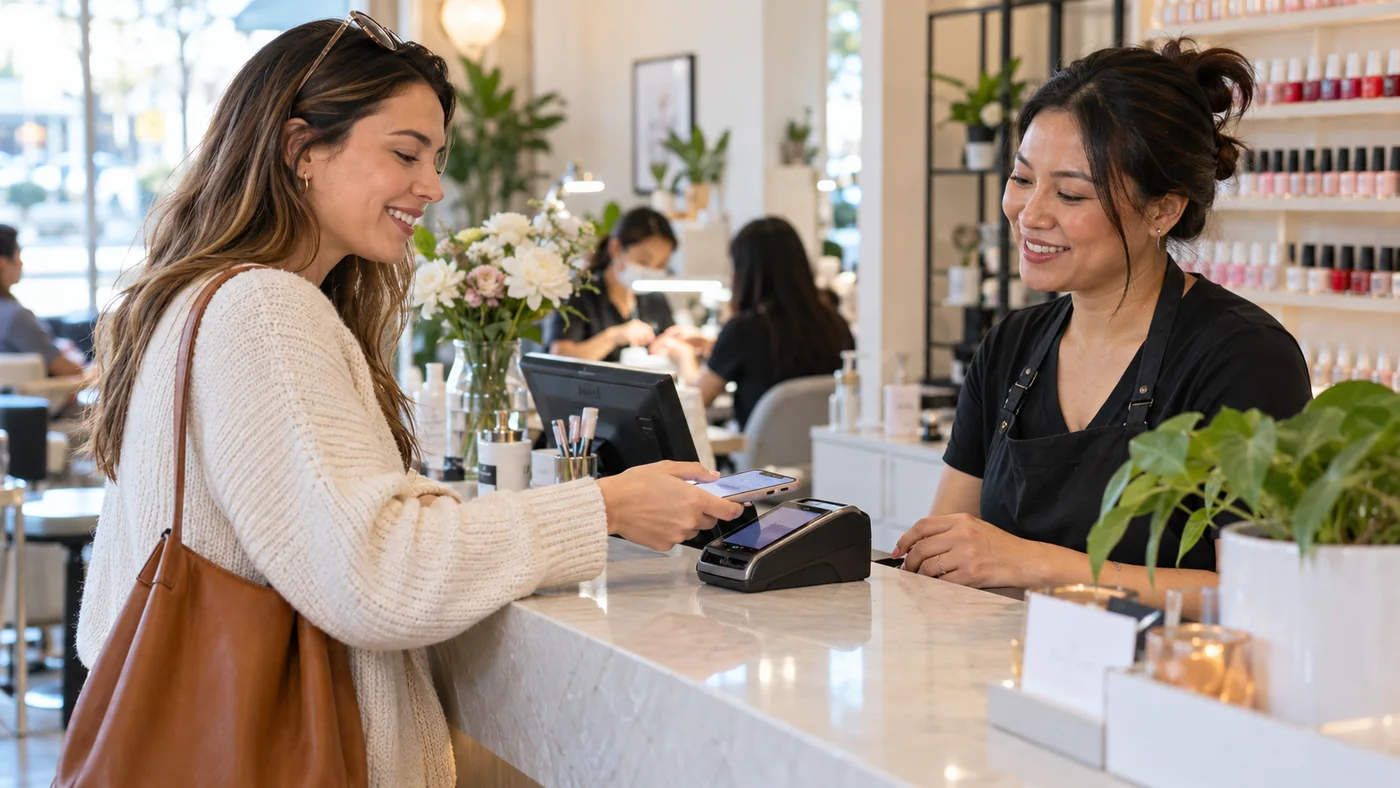
Contactless payments require a supported combination of terminal, payment software and processor configuration. Before setup, ask the provider to confirm which cards and wallets work in your proposed system. Then test the normal sale, declined payment and refund workflows with your team.
Check the complete setup
| Area | Question for the provider |
|---|---|
| Terminal | Is this exact model enabled and supported for the required contactless methods? |
| Processing | Which transaction types and fees apply? |
| POS connection | Does the amount transfer automatically or require manual entry? |
| Customer flow | When do tips, receipts and confirmations appear? |
| Refunds | How does staff locate and refund the original transaction? |
| Connectivity | What happens when the internet or local network fails? |
Place the terminal for the guest
Customers should be able to see the total and reach the reader comfortably. Check cable routing, counter space and accessibility. Avoid a placement that requires staff to take the customer’s card or phone unnecessarily. Make the terminal’s prompts visible without exposing other customer information.
Train the exceptions
Staff need to know what to do when a tap does not complete, a transaction is declined or the device loses connection. Ask the provider how to distinguish a failed attempt from an approved payment before trying again. A repeated attempt without checking status can create confusion and possible duplicate charges.
Keep payment security responsibilities clear
Ask who updates the terminal, how support access is controlled and how staff should report suspected tampering. Follow your acquirer’s applicable validation requirements. The PCI Security Standards Council’s small-merchant resources provide useful questions, but a contactless-capable device alone does not establish that the whole business is compliant.
Verify before normal trading
- Run provider-approved tests for supported payment methods.
- Confirm the amount and transaction status in the POS.
- Check printed or digital receipts.
- Demonstrate a refund and a connection problem.
- Verify that the day’s activity appears in the expected reports.
Confirm current product support in writing. Hardware appearance and a contactless symbol are not substitutes for a tested, supported configuration.
Keep exploring
Published by Ontiloo · October 14, 2026. Examples are illustrative unless stated otherwise. Product capabilities, prices and platform rules should be checked against the current provider documentation and your agreement.