
Website Design
Website Design Lessons from Ontiloo's Salon Showcase
Turn Ontiloo’s salon website showcase into a practical design brief, with a method for comparing booking paths, service menus and brand presentation.
By Ontiloo · October 14, 2026 · 2 min read
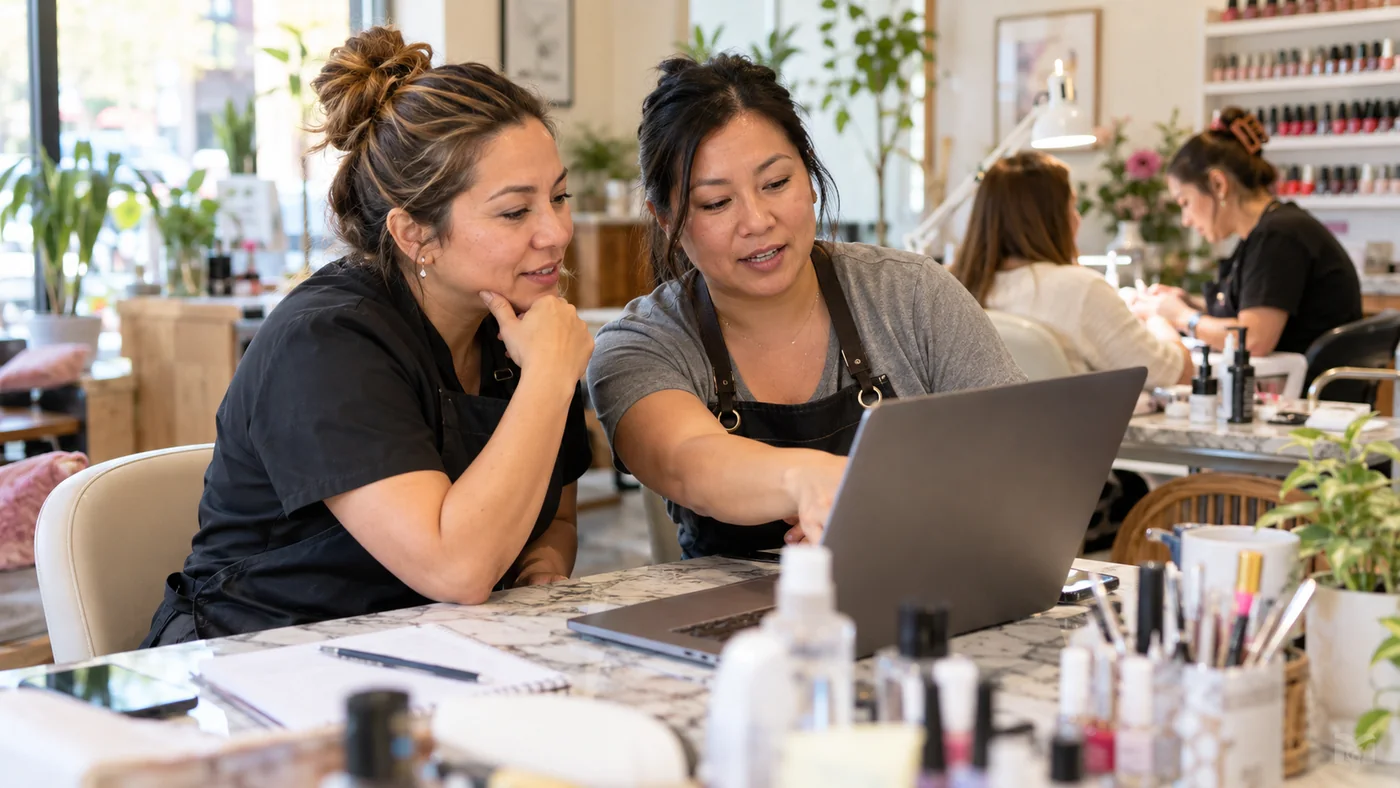
A salon website showcase is most useful when you study the decisions behind each design. Ontiloo’s collection includes salon and spa examples with different brand personalities. Instead of copying a homepage, identify what your own visitors need to understand before they contact or book with you.
Start with the customer task
Open the Ontiloo website collection on a phone. Choose one task: finding a pedicure price, locating the salon, or starting an appointment. Count the steps and note where you have to guess. A visually appealing screen is only one part of the experience; the next action should be obvious.
Three useful comparison lenses
| Example in the collection | What to examine | Decision for your own brief |
|---|---|---|
| Enchanted Beauty Spa | Its public homepage separates service groups and provides repeated booking links | Which service groups need their own explanation before booking? |
| Elife Nail Spa Riverbend | Use the showcase preview to assess the balance of salon imagery and introductory content | Do your strongest photos explain your salon experience? |
| Pure Polish Nails & Spa | Compare the showcase presentation with your own service and contact priorities | What should a first-time guest see before your gallery? |
These are design-review prompts, not measured conversion case studies. Live websites can change, and a preview does not verify every feature on the current site. Test the links and booking journey yourself before using an example as a functional specification.
A closer look at one booking journey
The Enchanted Beauty Spa homepage presents manicure, nail enhancement and pedicure sections, then explains the steps of a visit. Its repeated booking action illustrates a useful principle: offer the next step after relevant information, not only at the top of the page.
That principle can work in several visual styles. A compact salon may need a short menu and direct booking link. A spa offering multiple treatment categories may need more explanation before the same action. The content structure should reflect the decision your guest is making.
Make a shortlist without copying
- Save three examples and write one reason you chose each.
- Separate visual preferences from functional requirements.
- List your actual services, current prices, location details and policies.
- Identify images you own and still need to photograph.
- Ask the designer to demonstrate the mobile booking path before launch.
A useful design brief might say: “We like a calm cream background, large photographs and a simple menu. Our priority is making gel removal and add-on pricing clear before booking.” That gives a designer both a visual direction and a customer problem to solve.
Keep exploring
Published by Ontiloo · October 14, 2026. Examples are illustrative unless stated otherwise. Product capabilities, prices and platform rules should be checked against the current provider documentation and your agreement.