
Website Design
12 Features Every Nail Salon Website Should Have
Review 12 practical nail salon website features, from clear service pricing and real photos to accessible booking, contact details and location information.
By Ontiloo · October 14, 2026 · 2 min read
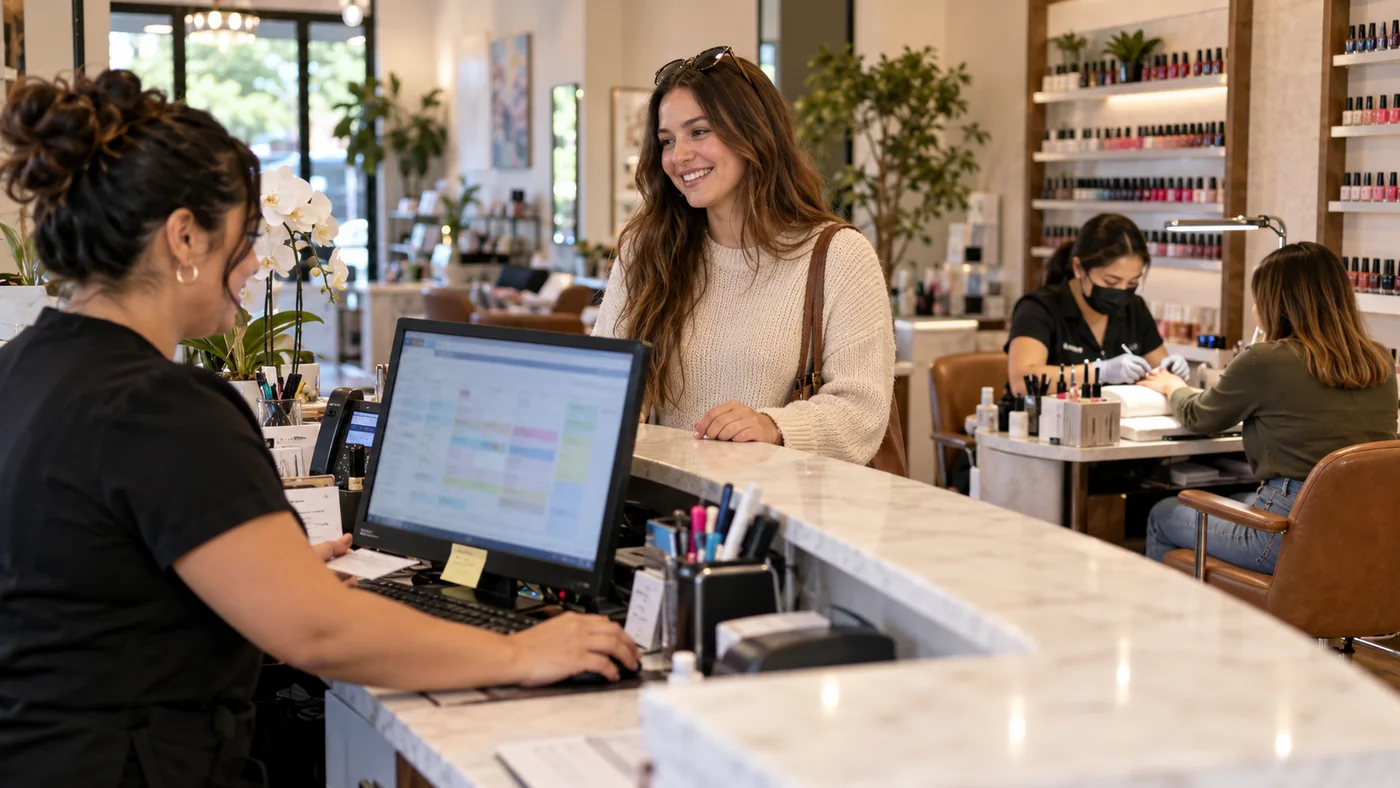
The most useful salon website features remove uncertainty before a visit. A guest should be able to understand your services, see representative work, find your location and take the next step on a phone. Use the list below as an acceptance checklist for a new site or a focused review of an existing one.
The twelve-feature checklist
- A clear business introduction. State the salon name, city and main services in ordinary language.
- A readable service menu. Explain what each service includes, plus relevant add-ons and price conditions.
- A working booking path. Link to the correct provider and location; distinguish a booking request from a confirmed appointment.
- Click-to-call contact. Make the phone number usable from a mobile device.
- Address and directions. Include the suite, entrance or parking information guests actually need.
- Current opening hours. Keep regular and holiday information consistent with your public business profile.
- Representative photographs. Show work and spaces that belong to the salon and that you have permission to publish.
- Visit policies. Explain relevant cancellation, late-arrival and appointment policies before a guest commits.
- Mobile navigation. Keep services, booking and contact reachable without difficult menus.
- Accessible content. Use readable text, clear focus states, descriptive links and useful image descriptions.
- Reliable contact handling. Test forms, confirmation messages and the inbox receiving inquiries.
- Measurement and maintenance. Assign someone to review website inquiries, broken links and content changes.
Prioritize features by the problems they solve
If customers frequently call to ask where you are, improving directions may matter more than adding another gallery. If they arrive expecting an incorrect price, fix the service menu and add-on explanation. If booking clicks are common but appointments are rare, inspect the handoff to the booking provider before increasing advertising.
For each feature, write down an owner and a simple pass condition. “Booking works” is vague. “A guest can select our correct location and reach the provider’s confirmation step on a phone” is testable. Use a test appointment only with your team’s agreement and remove it afterward.
Do a ten-minute customer review
Ask someone unfamiliar with the site to find three things: a service price, Saturday hours and the booking action. Watch without explaining. Note hesitation, incorrect assumptions and dead ends. Repeat after the changes. This small usability exercise can reveal problems that a long feature list misses.
Keep optional features in perspective
Online gift card sales, memberships, multilingual content and multi-location routing can be helpful when the business can support them. They are separate requirements, not automatic parts of every salon website. Confirm the platform, operating process and ongoing costs before adding them to the build.
Keep exploring
Published by Ontiloo · October 14, 2026. Examples are illustrative unless stated otherwise. Product capabilities, prices and platform rules should be checked against the current provider documentation and your agreement.