
Website Design
How to Optimize Nail Photos Without Slowing Your Website
Keep nail photos sharp while improving page speed: resize for the layout, compress carefully, add useful alt text and test mobile loading.
By Ontiloo · October 14, 2026 · 2 min read
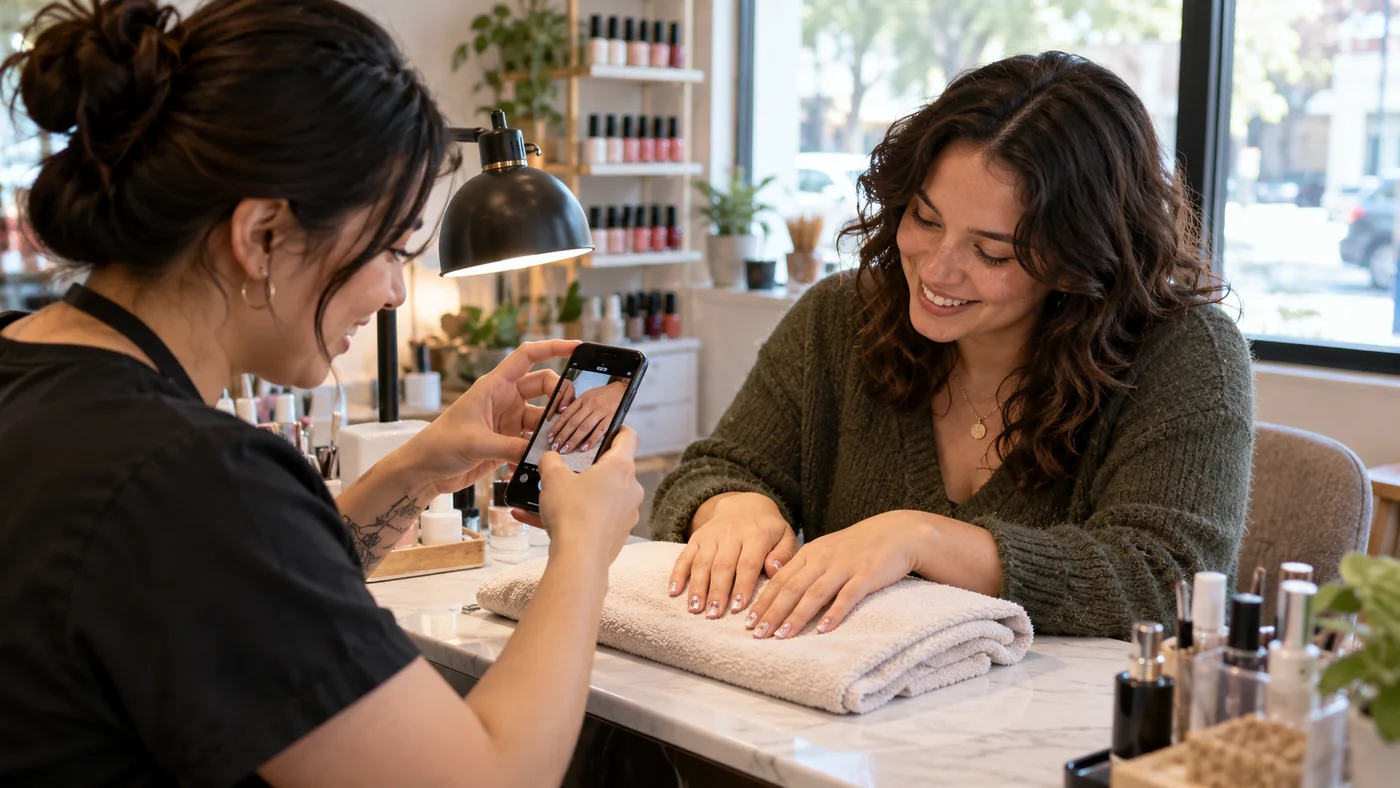
Salon photographs need enough detail to show the work, but uploading every full-resolution phone image can make a website unnecessarily heavy. Keep the originals in your archive and publish appropriately sized web copies. Check the result visually before replacing the live images.
Use a repeatable export workflow
- Choose the image’s job. A hero, gallery thumbnail and detailed portfolio image need different dimensions.
- Crop intentionally. Keep the manicure or relevant subject visible at the actual desktop and mobile display sizes.
- Resize for the layout. Ask your designer which source widths the responsive layout needs.
- Compare formats. Test WebP or another supported format against a good-quality JPEG rather than assuming one setting fits every photo.
- Compress and inspect. Look closely at nail edges, gradients and skin texture for visible artifacts.
- Upload a named web copy. Keep the original separately for future edits.
Use a practical quality check
Compare the original and compressed image at the size visitors will actually see. A smaller file is not a success if fine details become muddy. Conversely, a very large source file rarely helps a small gallery card. Record dimensions and file size so your team can spot unusually heavy uploads later.
| Placement | Priority | Common mistake |
|---|---|---|
| Opening hero | Clear subject and prompt loading | Loading a huge image or delaying the visible hero unnecessarily |
| Gallery thumbnail | Consistent crop and efficient file size | Downloading the full original for every small tile |
| Detailed work example | Enough resolution to inspect the result | Over-compressing the manicure details |
Make images understandable
Use ordinary image elements, descriptive filenames and appropriate alternative text. A useful description might be “Short almond nails with a soft pink base and white floral detail.” Do not insert a list of cities and services into every image description. Pure decoration can use empty alt text when appropriate.
Google’s image guidance also recommends responsive image handling and balancing quality with performance. Your developer can supply width and height information and load below-the-fold galleries efficiently without delaying the main image.
Measure the page after the change
Test a representative service page and gallery on mobile. Compare loading behavior before and after using the same tool and conditions. Check that thumbnails, full-size views and image links still work. Image optimization is one part of performance; large scripts, fonts and third-party booking widgets may also affect the result.
Keep exploring
Published by Ontiloo · October 14, 2026. Examples are illustrative unless stated otherwise. Product capabilities, prices and platform rules should be checked against the current provider documentation and your agreement.