
Local SEO & AI Search
Why Is My Nail Salon Not Showing Up on Google Maps?
Troubleshoot a nail salon missing from Google Maps by separating profile access, eligibility, verification, inaccurate details and ordinary ranking differences.
By Ontiloo · October 14, 2026 · 2 min read
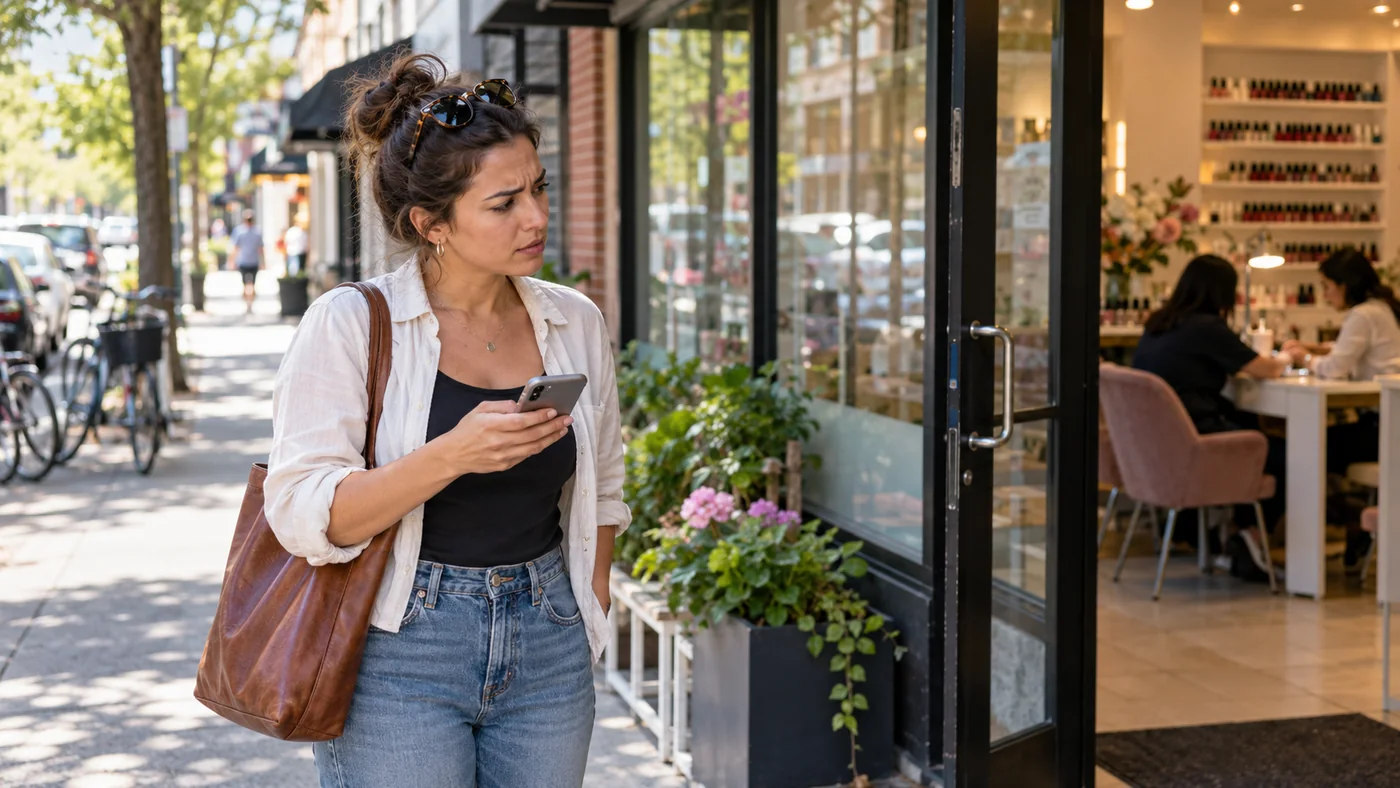
A salon that does not appear for a broad search is not necessarily missing from Google Maps. First determine whether the business profile exists and can be found by its exact name and address. Then separate a listing problem from a ranking problem; they require different actions.
Use this diagnostic sequence
| What you observe | What to check next |
|---|---|
| No profile appears for the exact business and address | Existing ownership, verification status and whether a profile was created |
| The owner dashboard shows a restriction | The stated issue and Google’s supported review or appeal process |
| The profile appears under the old name or address | Pending edits, move history and conflicting information |
| The exact business appears, but not for “nail salon near me” | Search location, service relevance and normal local competition |
| Two profiles appear for one salon | Ownership and duplicate handling before creating anything else |
Document what you can actually reproduce
Write down the query, search date, approximate search location, device and result. Save the public profile link if you can find it. Ask another person to repeat a defined search from a relevant location, but do not treat differences as proof of a technical error. Local results depend partly on where the search occurs.
Check the owner dashboard
Look for verification requests, rejected edits, duplicates or restrictions. Follow the reason shown in the account. Gather legitimate business documentation if the support process requests it. Do not repeatedly create new listings or alter the business name to force visibility; that can make the underlying issue harder to resolve.
If the profile exists, improve the information
Confirm the category, address, phone, hours and relevant services. Make sure the linked website describes the same business and offers a useful path to contact or book. Correct genuine inconsistencies and review whether visitors can understand your services from the public profile.
For ranking context, see Google’s local ranking guidance. For a restricted profile, use the official Business Profile appeals guidance and the current instructions in your account.
Know when to escalate
If the issue persists after the required verification or review process, keep the case reference and evidence together. Share that information with the person helping you. A useful diagnosis identifies the exact status and next supported step; it does not promise that a few keyword changes will immediately restore visibility.
Keep exploring
Published by Ontiloo · October 14, 2026. Examples are illustrative unless stated otherwise. Product capabilities, prices and platform rules should be checked against the current provider documentation and your agreement.