
POS & Payments
How to Switch Salon POS Systems with Less Disruption
Plan a salon POS switch with a data inventory, migration checks, staff training, opening balances and a fallback process for the first trading days.
By Ontiloo · October 14, 2026 · 2 min read
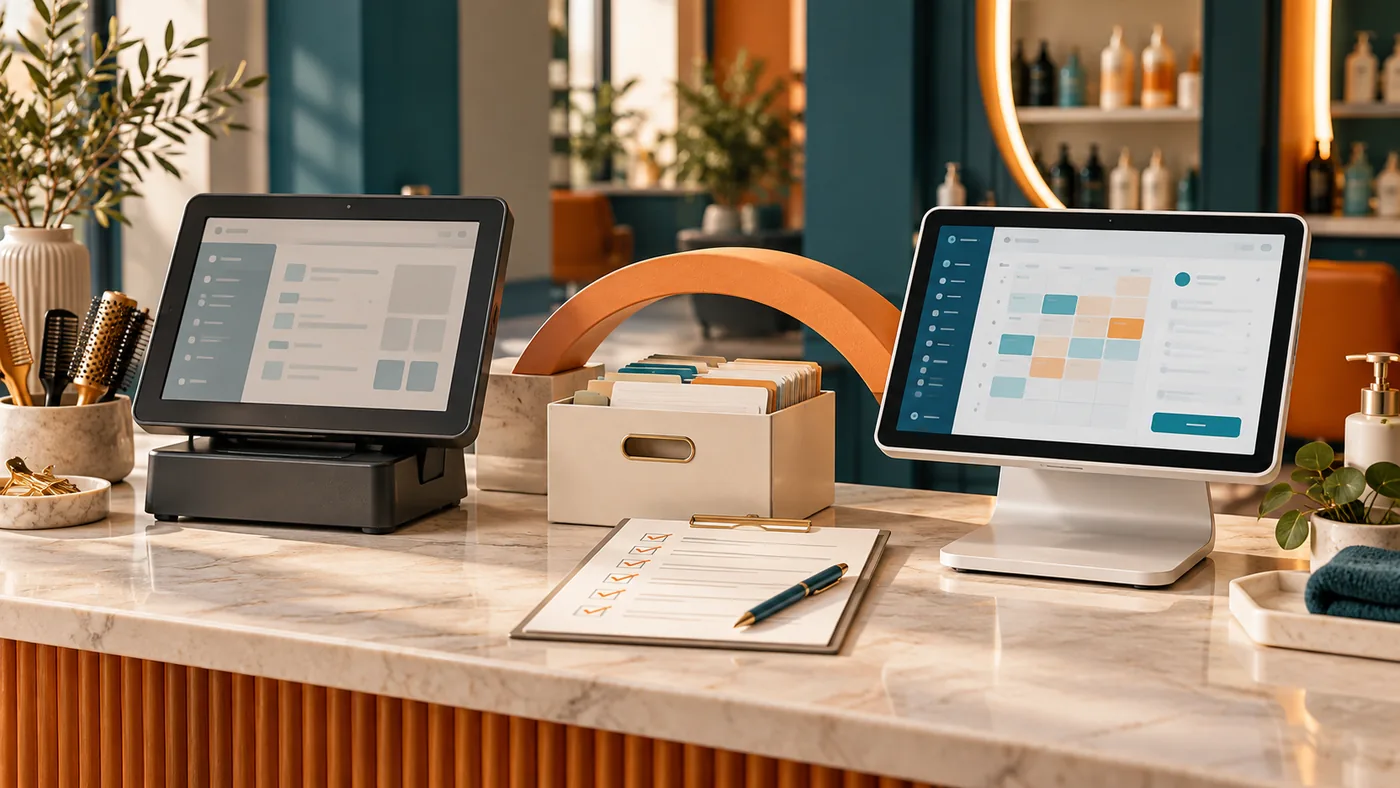
A salon POS switch is an operating change, not just a device installation. Plan what must transfer, what must remain accessible in the old system and how the team will handle the first trading day. Test the proposed configuration before ending the current arrangement.
Inventory the records that matter
List service menus, prices, staff permissions, customer records, gift card balances, open appointments and historical reports. Confirm which data can legally and technically be exported and imported. Do not assume stored payment credentials can move between providers; ask for the supported, compliant process if that is relevant.
Build a migration checklist
| Stage | Evidence of readiness |
|---|---|
| Scope | Written list of data and workflows included |
| Export | Usable files retained with appropriate access controls |
| Import | Record counts and sample entries checked |
| Configuration | Services, taxes, permissions and payment settings verified |
| Training | Staff complete common transactions and exceptions |
| Launch | Opening balances, support contact and fallback agreed |
Reconcile balances separately
Gift cards, deposits or other stored-value obligations require careful handling if they are part of your business. Compare the old report with the imported opening balances and document unresolved differences. Do not cancel access to the old system until the required records and reconciliation process are secure.
Train for a normal day and a difficult one
Practice checkout, split payments, corrections, refunds and closing reports as applicable. Include a lost connection or failed printer in the exercise. Give staff a short operating guide with the support contact and the approved response when the system cannot complete a transaction.
Choose the cutover window
Prefer a time that allows setup and verification before customers arrive. Clarify whether both systems will remain available briefly and how duplicate entry will be prevented. Retain a way to process legitimate refunds for earlier transactions under the old provider’s rules.
Review the first trading days
Compare sales, receipts, refunds and deposits. Log issues with timestamps and transaction references that do not expose unnecessary customer data. Resolve material discrepancies with the provider before expanding optional features. A successful switch is one the team can operate and reconcile confidently.
Keep exploring
Published by Ontiloo · October 14, 2026. Examples are illustrative unless stated otherwise. Product capabilities, prices and platform rules should be checked against the current provider documentation and your agreement.