
POS & Payments
Nail Salon POS Hardware Checklist: Terminals, Printers and Check-In
Build a nail salon POS hardware checklist covering terminals, printers, check-in devices, connectivity, accessories, support and equipment ownership.
By Ontiloo · October 14, 2026 · 2 min read
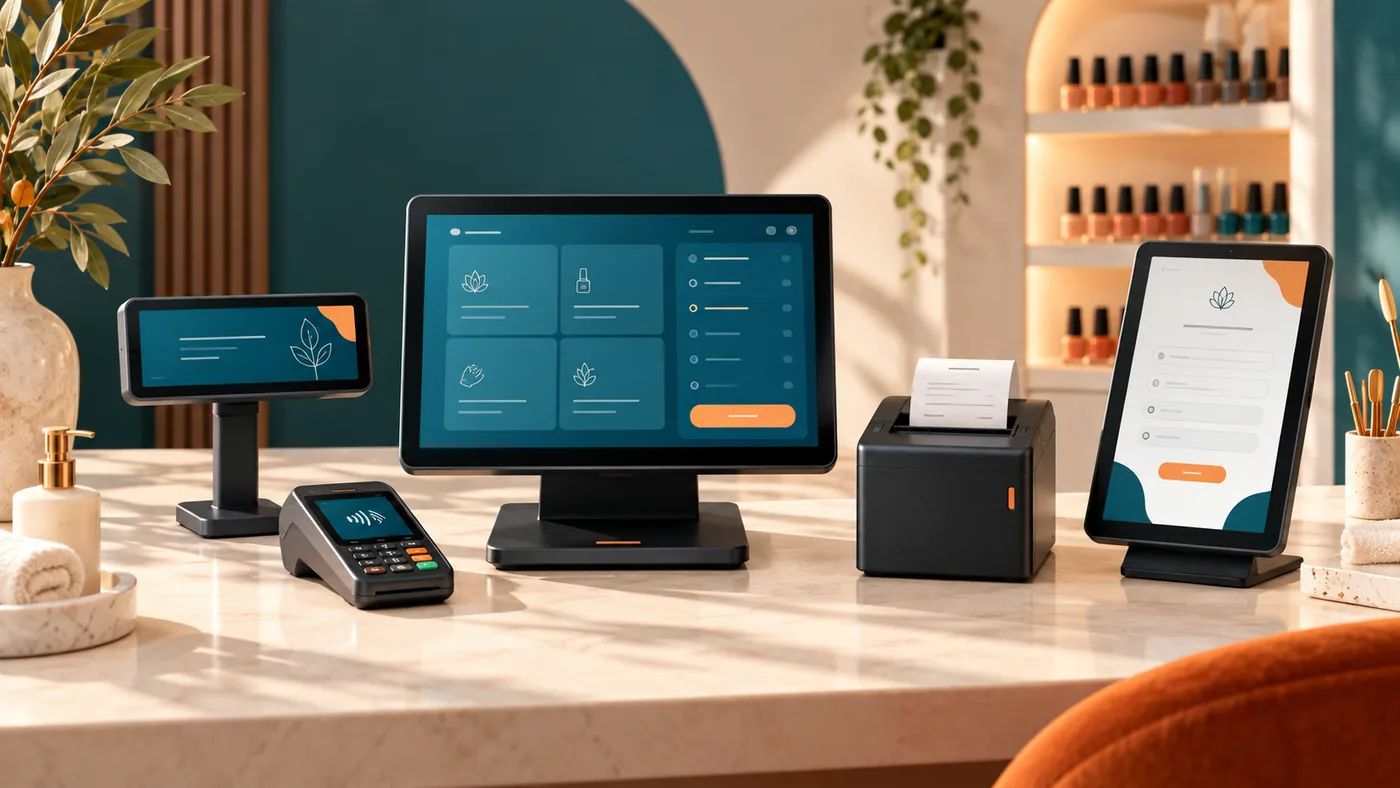
Choose salon POS hardware from the workflow and supported software, not from appearance alone. The terminal, printer, reader and any check-in device need to work together in the configuration you are buying. Ask for exact model numbers and a demonstration before ordering.
The hardware inventory
| Item | What to verify |
|---|---|
| POS screen or tablet | Supported operating system, mounting, durability and update policy |
| Payment terminal | Processor compatibility, supported methods and customer access |
| Receipt printer | Connection type, paper size, print speed and replacement supplies |
| Cash drawer, if used | Compatibility, access control and reconciliation process |
| Check-in device, if needed | Actual software support and privacy of displayed information |
| Network equipment | Reliable connection, cabling and documented support responsibility |
| Accessories | Chargers, stands, spare paper and approved replacement parts |
Measure the counter
Check the available space, power outlets, cable paths and customer reach. Staff should be able to operate the system without turning the screen awkwardly or blocking the guest’s view of the payment total. Consider how the equipment will be cleaned according to the manufacturer’s instructions.
Confirm ownership and replacement terms
Determine whether each item is purchased, rented, leased or provided under a processing agreement. Ask about warranty, damage, replacement timing, shipping and return obligations. If equipment is proprietary, clarify whether it can be used with another provider later.
Test the complete transaction
A compatible printer on paper may still be inconvenient in the actual setup. Demonstrate a sale, receipt, refund and day-end report with the proposed devices. Ask what happens when the printer is offline or the terminal loses connection, and whether a replacement device requires provider activation.
Keep an equipment record
Record model, serial number, location, purchase or contract reference and support contact. Establish a routine for checking that payment devices have not been altered and for reporting problems. Use the PCI SSC merchant resources and your provider’s instructions to clarify relevant security responsibilities.
Ontiloo can discuss hardware options with your requirements in view. Confirm the exact supported bundle rather than assuming all devices pictured on a service page are included.
Keep exploring
Published by Ontiloo · October 14, 2026. Examples are illustrative unless stated otherwise. Product capabilities, prices and platform rules should be checked against the current provider documentation and your agreement.