
Author: tuananhadmin

  • When Should You Redesign Your Nail Salon Website?

    When Should You Redesign Your Nail Salon Website?

    Skip to content
    Bring your payments, POS, and marketing together with OntilooLearn more about Ontiloo solutions

    Website Design

    When Should You Redesign Your Nail Salon Website?

    Decide whether your nail salon website needs a focused repair or a redesign using booking problems, mobile usability, maintenance and content accuracy.

    By Ontiloo · October 14, 2026 · 2 min read
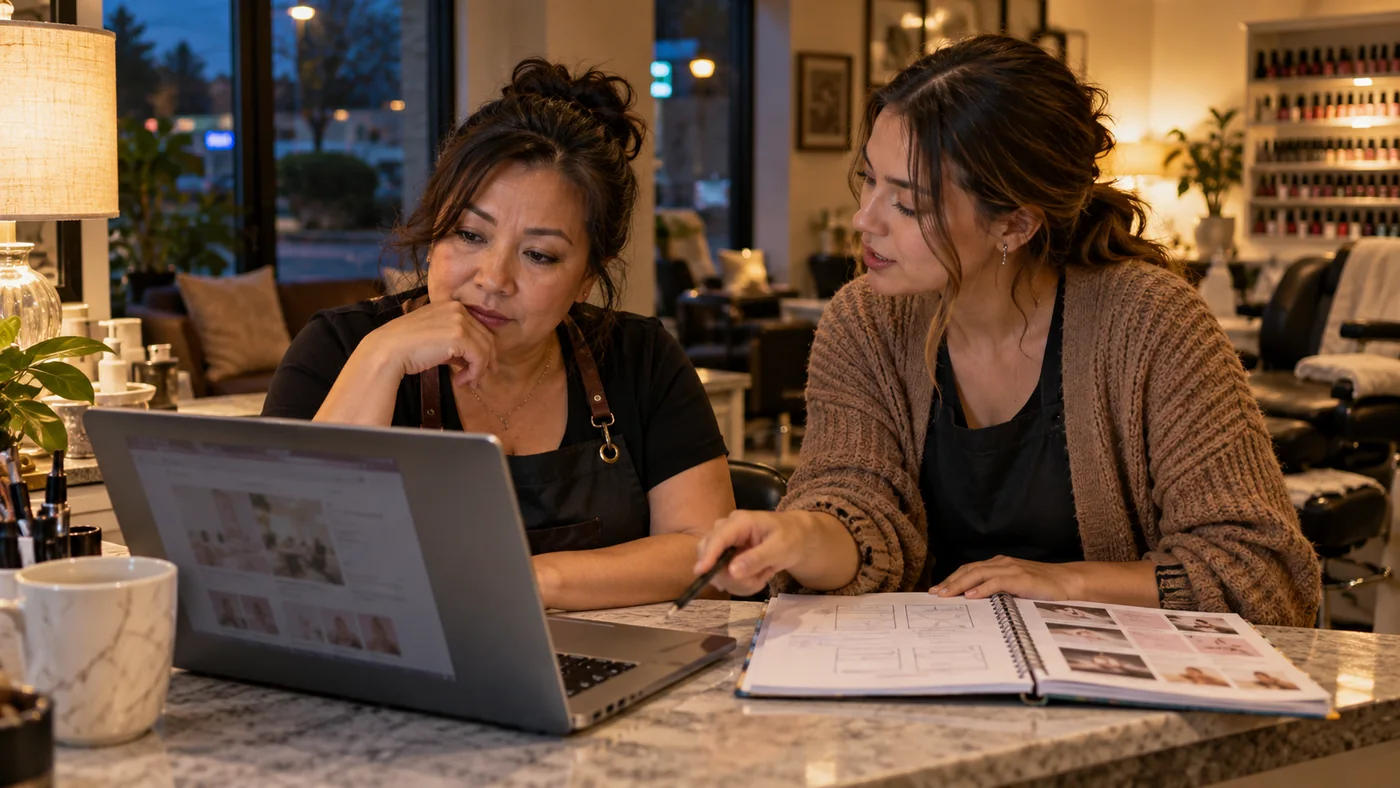
    Salon owner and colleague discussing a website redesign after closing.
    AI-generated lifestyle image for Ontiloo Insights.

    Redesign a salon website when its structure or underlying system consistently prevents customers from completing important tasks. A different visual style alone is rarely enough reason. Start by separating content errors and isolated defects from problems that require a broader rebuild.

    Look for evidence of friction

    Review recent customer questions and website inquiries. Are guests finding old prices? Does the booking button lead to the wrong location? Is the menu difficult to read on a phone? Can staff make routine updates without rebuilding the page? These observations help define the actual problem.

    SymptomTry a focused fix firstConsider a redesign when
    Outdated menuUpdate the approved service contentThe menu structure cannot represent your services clearly
    Slow pagesReview images, scripts and third-party toolsThe platform or layout prevents practical improvements
    Confusing bookingCorrect links, labels and location routingThe entire journey needs a different structure
    Difficult editingProvide training or simplify the workflowRoutine changes remain fragile or inaccessible
    Brand mismatchRefresh typography, photography and selected sectionsThe business has changed substantially

    Set a measurable brief

    Write down what should improve: customers finding services, fewer calls about basic information, reliable booking handoffs or easier content maintenance. Establish a baseline before launch. Do not promise a specific conversion increase without a defined measurement method and enough data.

    Collect an inventory of current URLs, important inbound links, images, forms and connected services. Identify pages that already receive useful search traffic. A redesign should preserve their value or provide a deliberate replacement, rather than discard them because the layout is changing.

    Plan the migration

    • Map old URLs to relevant new destinations when URLs change.
    • Confirm domain, hosting and account ownership.
    • Move approved content and permission-cleared media.
    • Test forms, booking, phone links and mobile navigation.
    • Check titles, descriptions, canonical URLs and indexability.
    • Keep a rollback and post-launch monitoring plan.

    Make the decision with a short audit

    Ask a designer to show which issues can be repaired and which require structural change. Request separate scopes where possible. You may discover that a targeted menu and booking update solves the immediate problem, while a larger redesign can be planned around a clearer business objective.

    Published by Ontiloo · October 14, 2026. Examples are illustrative unless stated otherwise. Product capabilities, prices and platform rules should be checked against the current provider documentation and your agreement.

  • Website Structure for a Salon with Multiple Locations

    Website Structure for a Salon with Multiple Locations

    Skip to content
    Bring your payments, POS, and marketing together with OntilooLearn more about Ontiloo solutions

    Website Design

    Website Structure for a Salon with Multiple Locations

    Organize a multi-location salon website with distinct location pages, accurate hours and booking links that send guests to the right branch.

    By Ontiloo · October 14, 2026 · 2 min read

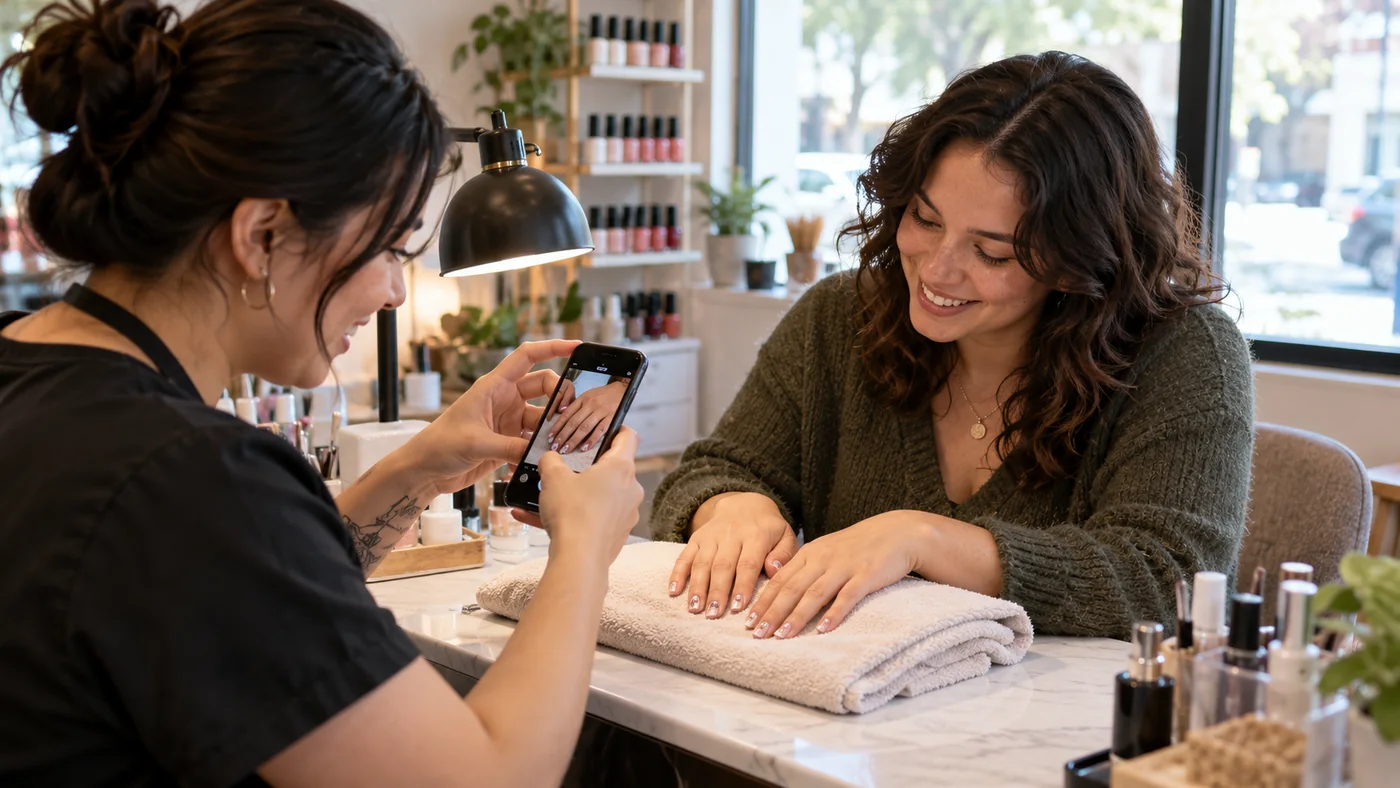
    Salon managers organizing information for multiple locations.
    AI-generated lifestyle image for Ontiloo Insights.

    A multi-location salon website should help a guest choose the correct branch before booking. Create a useful page for each real customer-facing location, supported by a clear location selector. Keep shared brand information centralized, while making location-specific details easy to find and maintain.

    Give each branch an accountable page

    Include the address, phone number, hours, directions, relevant services and the correct booking destination. Add practical details such as parking or the entrance if they matter. Use real location photographs when available. Assign a staff member to verify changes before they go live.

    Shared brand contentLocation-specific content
    Brand story and general service explanationsActual address, contact number and hours
    Overall visual identityBranch photographs and arrival instructions
    Company-wide policies, where applicableServices, prices or policies that differ by location
    General customer resourcesBooking link and local contact process

    Design the location choice before the booking action

    On the homepage, use a visible “Choose your location” action when a single booking link would be ambiguous. On a branch page, the main action should lead directly to that branch. Carry the selected location through the journey where the booking platform supports it.

    Test a guest who starts on a service page rather than the homepage. Can they tell which locations offer that service? Can they choose one without losing context? A location selector should solve this problem rather than repeatedly sending everyone back to a generic page.

    Avoid creating pages for places you do not operate

    Do not clone a location page for every nearby city simply to target more searches. A useful branch page contains facts about a real location and helps customers plan a visit. Nearby-area context can be included naturally when it is accurate, without inventing addresses or implying a physical presence.

    Create an update checklist

    1. Maintain one approved record for each location.
    2. Update website hours and the matching business profile together.
    3. Check booking links after platform or account changes.
    4. Review branch-specific pricing and service availability.
    5. Test phone numbers and directions on mobile.

    When a branch moves, closes or changes its booking provider, plan the website update and any redirects carefully. Keep customers informed with clear, dated information. The goal is a dependable route to the right salon, not a larger collection of nearly identical pages.

    Published by Ontiloo · October 14, 2026. Examples are illustrative unless stated otherwise. Product capabilities, prices and platform rules should be checked against the current provider documentation and your agreement.
  • How to Optimize Nail Photos Without Slowing Your Website

    How to Optimize Nail Photos Without Slowing Your Website

    Skip to content
    Bring your payments, POS, and marketing together with OntilooLearn more about Ontiloo solutions

    Website Design

    How to Optimize Nail Photos Without Slowing Your Website

    Keep nail photos sharp while improving page speed: resize for the layout, compress carefully, add useful alt text and test mobile loading.

    By Ontiloo · October 14, 2026 · 2 min read

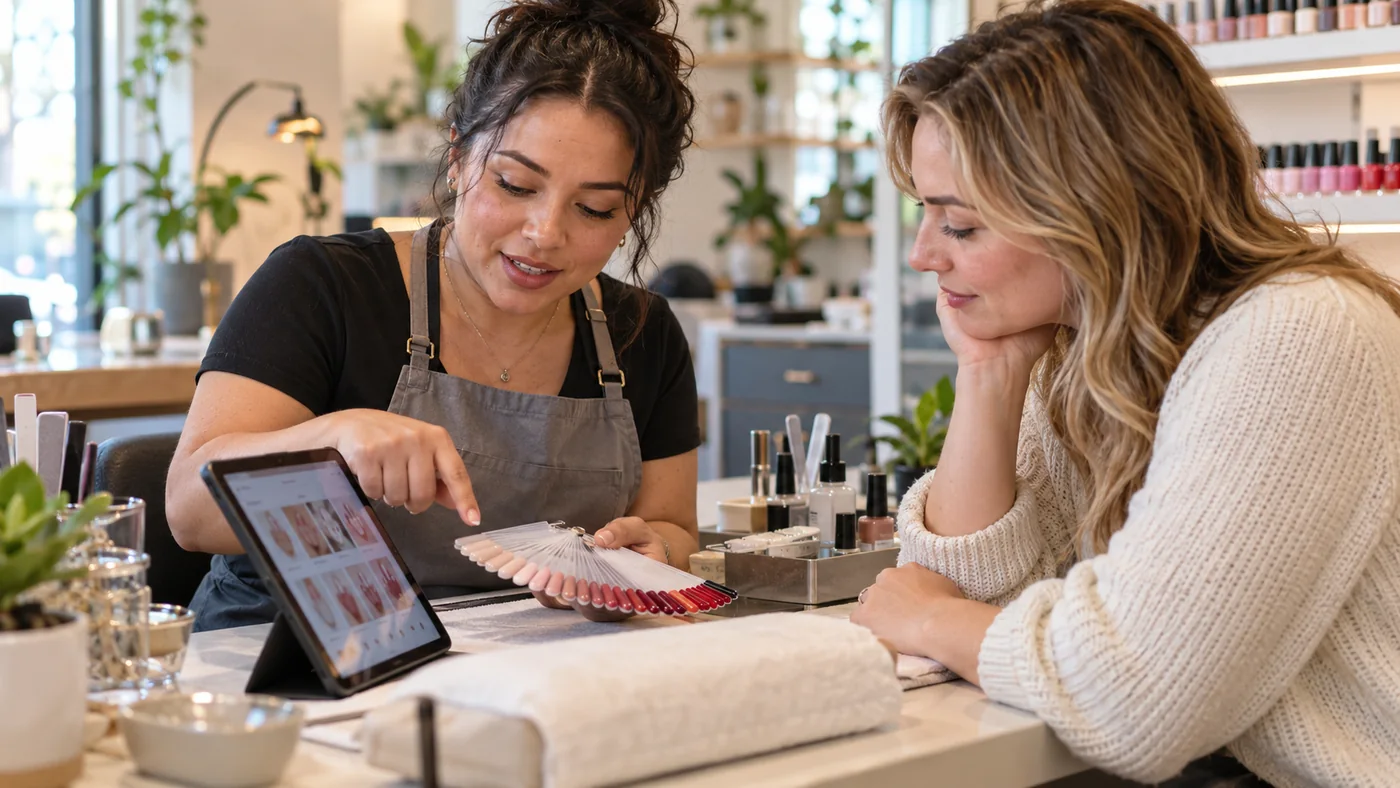
    Nail technician taking a photo of a client's manicure near a window.
    AI-generated lifestyle image for Ontiloo Insights.

    Salon photographs need enough detail to show the work, but uploading every full-resolution phone image can make a website unnecessarily heavy. Keep the originals in your archive and publish appropriately sized web copies. Check the result visually before replacing the live images.

    Use a repeatable export workflow

    1. Choose the image’s job. A hero, gallery thumbnail and detailed portfolio image need different dimensions.
    2. Crop intentionally. Keep the manicure or relevant subject visible at the actual desktop and mobile display sizes.
    3. Resize for the layout. Ask your designer which source widths the responsive layout needs.
    4. Compare formats. Test WebP or another supported format against a good-quality JPEG rather than assuming one setting fits every photo.
    5. Compress and inspect. Look closely at nail edges, gradients and skin texture for visible artifacts.
    6. Upload a named web copy. Keep the original separately for future edits.

    Use a practical quality check

    Compare the original and compressed image at the size visitors will actually see. A smaller file is not a success if fine details become muddy. Conversely, a very large source file rarely helps a small gallery card. Record dimensions and file size so your team can spot unusually heavy uploads later.

    PlacementPriorityCommon mistake
    Opening heroClear subject and prompt loadingLoading a huge image or delaying the visible hero unnecessarily
    Gallery thumbnailConsistent crop and efficient file sizeDownloading the full original for every small tile
    Detailed work exampleEnough resolution to inspect the resultOver-compressing the manicure details

    Make images understandable

    Use ordinary image elements, descriptive filenames and appropriate alternative text. A useful description might be “Short almond nails with a soft pink base and white floral detail.” Do not insert a list of cities and services into every image description. Pure decoration can use empty alt text when appropriate.

    Google’s image guidance also recommends responsive image handling and balancing quality with performance. Your developer can supply width and height information and load below-the-fold galleries efficiently without delaying the main image.

    Measure the page after the change

    Test a representative service page and gallery on mobile. Compare loading behavior before and after using the same tool and conditions. Check that thumbnails, full-size views and image links still work. Image optimization is one part of performance; large scripts, fonts and third-party booking widgets may also affect the result.

    Published by Ontiloo · October 14, 2026. Examples are illustrative unless stated otherwise. Product capabilities, prices and platform rules should be checked against the current provider documentation and your agreement.
  • How to Build a Clear Nail Salon Service Menu Online

    How to Build a Clear Nail Salon Service Menu Online

    Skip to content
    Bring your payments, POS, and marketing together with OntilooLearn more about Ontiloo solutions

    Website Design

    How to Build a Clear Nail Salon Service Menu Online

    Build a salon service menu customers can read on mobile, with clear inclusions, add-on pricing, removal details and matching booking names.

    By Ontiloo · October 14, 2026 · 2 min read

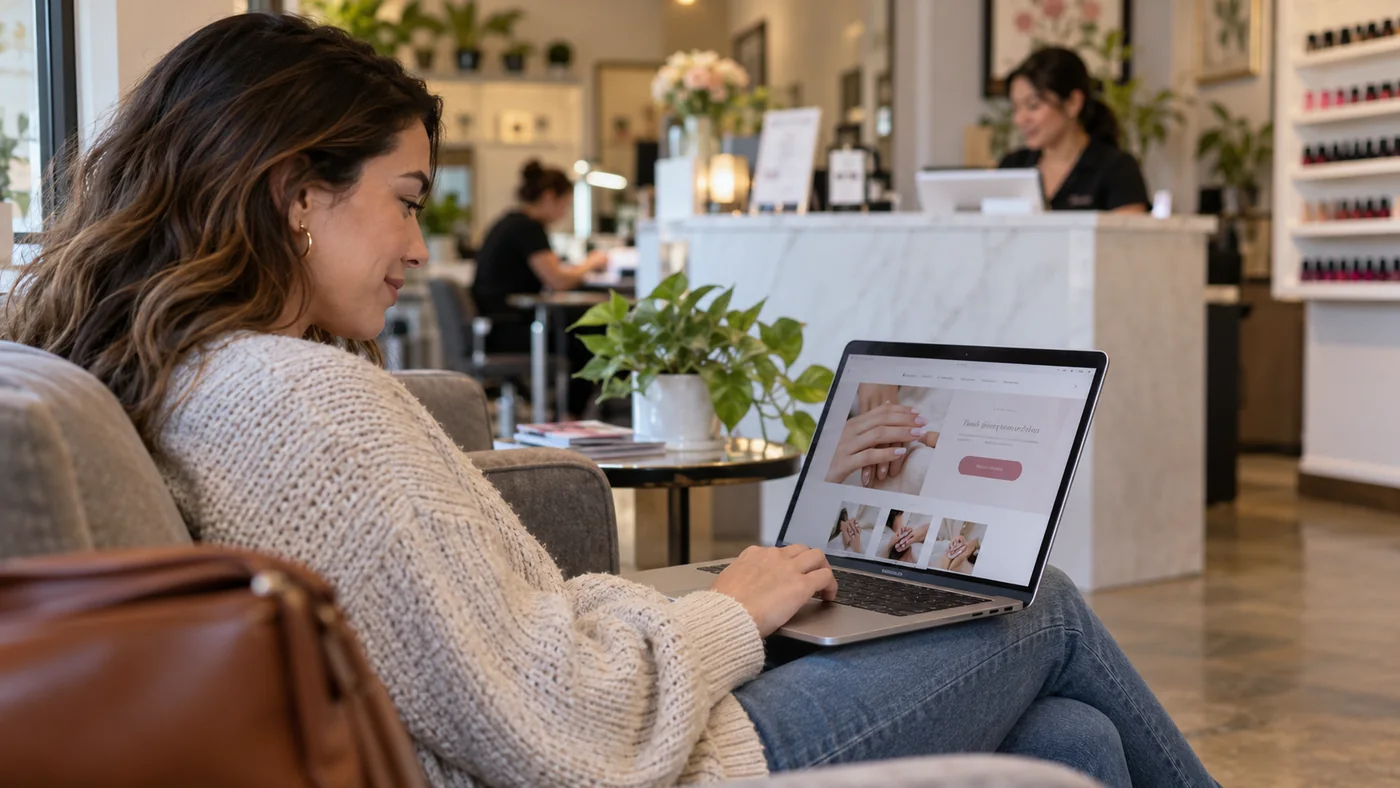
    Nail technician helping a client choose a service and nail color.
    AI-generated lifestyle image for Ontiloo Insights.

    A clear online service menu helps a guest choose the right appointment and arrive with realistic expectations. Organize it around services customers recognize, explain what changes the price, and keep the wording consistent with your booking system and front-desk team.

    Give every service a consistent structure

    Use the service name, a short description, the price basis and any important exclusions. Include a typical duration only when your team can provide a reliable estimate; complex designs and individual needs may change the time. If a price starts at a minimum, explain the factors that can increase it.

    FieldWhat it should answer
    Service nameWhat am I booking?
    Included stepsWhat is part of the listed service?
    Price basisIs this a fixed price, a starting price or a consultation quote?
    Add-onsAre removal, length, repairs or nail art extra?
    Booking noteShould I select an extra option or contact the salon first?

    Separate upgrades from the base service

    Customers should not discover every extra at checkout. Group removal, repairs, extensions, special shapes and art options in a clearly labeled section if they are charged separately. Describe how a custom design is quoted. Avoid using a single broad price range without explaining what determines the final amount.

    For example, an illustrative menu entry could say: “Gel manicure: includes shaping, cuticle care and gel color. Existing product removal and nail art are quoted separately.” Replace this wording with your actual process and approved prices. The example does not describe an Ontiloo salon service.

    Make the menu readable without downloading a file

    Publish important menu information as website text. A PDF can be an additional print-friendly option, but a guest should not need to pinch and zoom a photographed menu. Use headings for service groups and keep price relationships clear on narrow screens.

    Keep one approved master menu

    Maintain a dated source sheet with service names, descriptions, prices, add-ons and the staff member who approved each change. When you revise a service, update the website, booking system, printed menu and relevant business listings together. This reduces the chance of a guest seeing conflicting information.

    Test with the front desk

    Ask staff to use the page while answering common calls. Can they quickly explain removal, special designs and appointment length? Record questions the page still fails to answer. Those questions are a better guide to the next revision than adding more promotional language.

    Published by Ontiloo · October 14, 2026. Examples are illustrative unless stated otherwise. Product capabilities, prices and platform rules should be checked against the current provider documentation and your agreement.

  • A Nail Salon Homepage Layout That Makes Booking Easier

    A Nail Salon Homepage Layout That Makes Booking Easier

    Skip to content
    Bring your payments, POS, and marketing together with OntilooLearn more about Ontiloo solutions

    Website Design

    A Nail Salon Homepage Layout That Makes Booking Easier

    Plan a nail salon homepage around the questions guests ask before booking: services, prices, location, real work and a clear next step.

    By Ontiloo · October 14, 2026 · 2 min read

    Client browsing a salon homepage while sitting in the waiting area.
    AI-generated lifestyle image for Ontiloo Insights.

    A useful salon homepage answers the visitor’s immediate questions in a sensible order. Start with what you offer and where you are, then provide enough detail to support the next action. The exact layout can vary, but the information should not require a visitor to decode a decorative design.

    A practical homepage sequence

    SectionCustomer questionContent to prepare
    Opening screenIs this the right salon for me?Name, location, main services, representative image and booking action
    Service overviewDo you offer what I need?Clear service groups linked to the full menu
    Work and atmosphereWhat can I expect?Real nail work and relevant salon photographs
    Visit informationHow do I get there and when?Address, hours, parking notes and contact
    Next stepHow do I book or ask a question?Correct booking destination and phone alternative

    Write the opening screen before choosing an animation

    Use a specific headline rather than a claim such as “The ultimate beauty destination.” A hypothetical example is “Manicures, pedicures and nail art in your neighborhood,” followed by the actual salon and city. State only services you provide. Choose a photograph that supports the message and leaves the text readable on small screens.

    One primary action usually makes the decision easier. If appointments are handled by phone, say so. If guests can book online, use the actual booking link. Secondary actions such as viewing services should support that path.

    Show enough of the menu to orient people

    A short service overview helps visitors recognize the category they need. Link to a readable menu for prices, inclusions and add-ons. Avoid hiding essential price conditions inside an image or an accordion that customers may never open. Use the same service names in your booking system to reduce confusion.

    Give real evidence room to work

    Choose a small selection of recent, permission-cleared photographs. Label examples honestly and avoid using stock or AI imagery as proof of your team’s actual work. If you feature testimonials, preserve their meaning and disclose relevant relationships. A gallery should help visitors understand the salon, not simply make the page longer.

    Review the page with three tasks

    Can a guest find your location, understand a relevant service and start the right booking journey? Check on a phone and with keyboard navigation. If a section slows those tasks without providing useful information, simplify it. Keep hours and prices under an assigned review process so the homepage remains dependable after launch.

    Published by Ontiloo · October 14, 2026. Examples are illustrative unless stated otherwise. Product capabilities, prices and platform rules should be checked against the current provider documentation and your agreement.
  • How to Add Online Booking to Your Salon Website

    How to Add Online Booking to Your Salon Website

    Skip to content
    Bring your payments, POS, and marketing together with OntilooLearn more about Ontiloo solutions

    Website Design

    How to Add Online Booking to Your Salon Website

    Add online booking to your salon website with a clear link or supported widget, then test location selection, confirmations and mobile usability.

    By Ontiloo · October 14, 2026 · 2 min read

    Woman booking a nail appointment on her phone at home.
    AI-generated lifestyle image for Ontiloo Insights.

    To add online booking, first choose the appointment system your team will actually operate. Then connect the website using that provider’s supported booking link or embed. The website should explain the next step accurately, while the booking system remains the source of truth for availability and confirmations.

    Choose the right connection

    MethodUseful whenCheck before launch
    Booking buttonYou need a simple link to a provider-hosted booking pageCorrect location, mobile usability and return navigation
    Embedded widgetThe provider supports booking within your websiteLoading speed, keyboard access, small-screen behavior and privacy requirements
    Appointment request formYour team manually confirms availabilityClear “request” wording and a reliable response process
    Custom integrationA supported standard connection cannot meet a defined requirementAPI support, maintenance responsibilities and failure handling

    Prepare the booking information first

    Align service names, durations and add-ons with the menu customers see on your website. Decide how removal, nail art, special requests and technician preferences are handled. If the provider cannot show a particular option, explain how a customer should request it. Avoid promising instant confirmation when staff still need to approve the appointment.

    For multiple locations, send each location page to its matching booking destination. A generic booking button that defaults to the wrong branch can create confusion even when the software works correctly.

    Place the action where it helps

    Add a clear booking action in the main navigation, near service information and on the contact or location page. Use consistent wording. A phone alternative helps guests who have a question the booking flow cannot answer. On mobile, keep buttons large enough to use comfortably and make sure sticky elements do not cover form fields.

    Test the full journey

    1. Open the page as a new visitor on a phone.
    2. Select a real service and confirm that the correct salon is shown.
    3. Review how prices, deposits and policies are presented.
    4. Check the confirmation screen and notification delivery using an agreed test process.
    5. Test cancellation or rescheduling if your provider supports it.
    6. Verify the fallback phone number and remove test appointments.

    Measure clicks and completed appointments separately

    A booking-button click is an expression of intent, not proof of an appointment. If the provider supports completion tracking, document how it works and test it. If it does not, compare website clicks with the booking system’s reports and be honest about the attribution gap. Confirm consent and privacy settings for any measurement tools you add.

    Published by Ontiloo · October 14, 2026. Examples are illustrative unless stated otherwise. Product capabilities, prices and platform rules should be checked against the current provider documentation and your agreement.
  • 12 Features Every Nail Salon Website Should Have

    12 Features Every Nail Salon Website Should Have

    Skip to content
    Bring your payments, POS, and marketing together with OntilooLearn more about Ontiloo solutions

    Website Design

    12 Features Every Nail Salon Website Should Have

    Review 12 practical nail salon website features, from clear service pricing and real photos to accessible booking, contact details and location information.

    By Ontiloo · October 14, 2026 · 2 min read

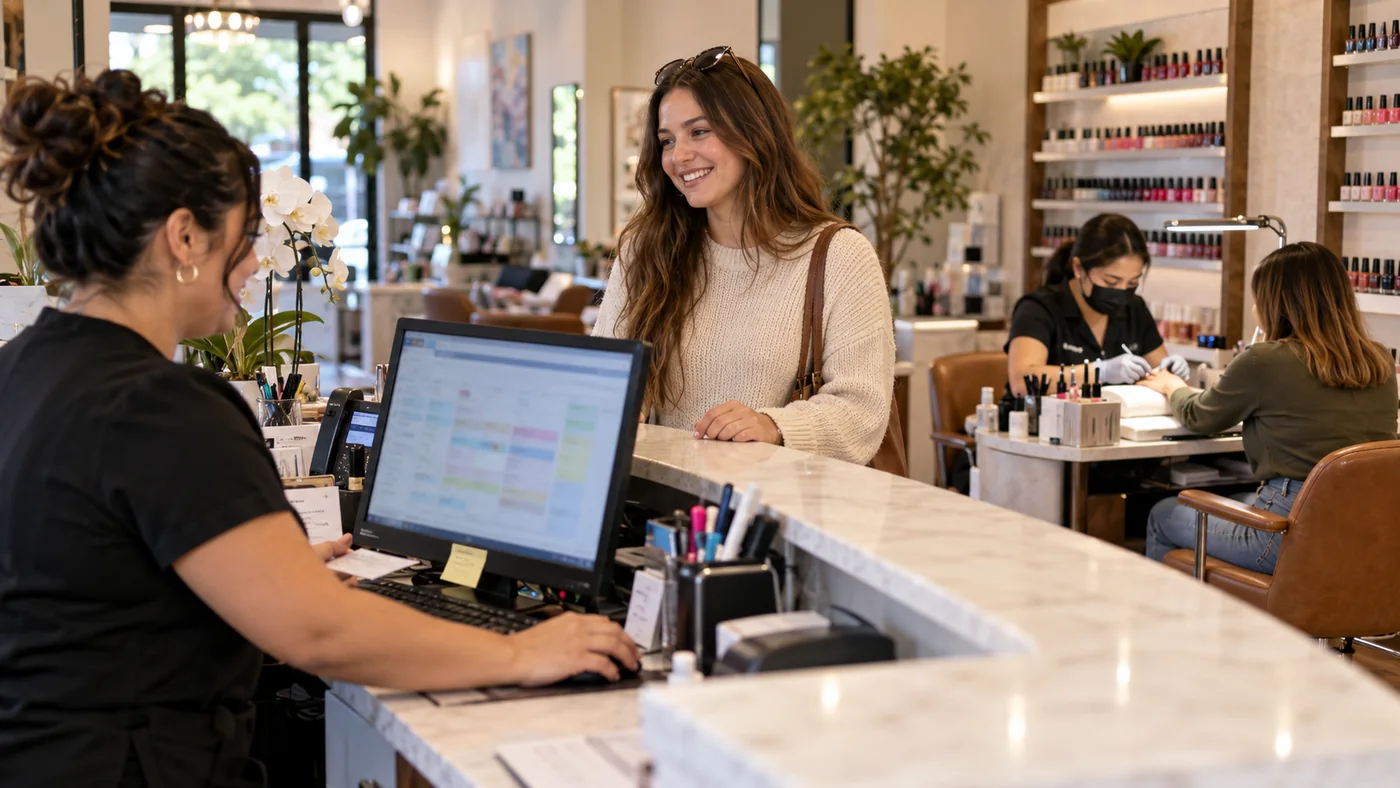
    Receptionist checking an appointment as a client arrives at a nail salon.
    AI-generated lifestyle image for Ontiloo Insights.

    The most useful salon website features remove uncertainty before a visit. A guest should be able to understand your services, see representative work, find your location and take the next step on a phone. Use the list below as an acceptance checklist for a new site or a focused review of an existing one.

    The twelve-feature checklist

    1. A clear business introduction. State the salon name, city and main services in ordinary language.
    2. A readable service menu. Explain what each service includes, plus relevant add-ons and price conditions.
    3. A working booking path. Link to the correct provider and location; distinguish a booking request from a confirmed appointment.
    4. Click-to-call contact. Make the phone number usable from a mobile device.
    5. Address and directions. Include the suite, entrance or parking information guests actually need.
    6. Current opening hours. Keep regular and holiday information consistent with your public business profile.
    7. Representative photographs. Show work and spaces that belong to the salon and that you have permission to publish.
    8. Visit policies. Explain relevant cancellation, late-arrival and appointment policies before a guest commits.
    9. Mobile navigation. Keep services, booking and contact reachable without difficult menus.
    10. Accessible content. Use readable text, clear focus states, descriptive links and useful image descriptions.
    11. Reliable contact handling. Test forms, confirmation messages and the inbox receiving inquiries.
    12. Measurement and maintenance. Assign someone to review website inquiries, broken links and content changes.

    Prioritize features by the problems they solve

    If customers frequently call to ask where you are, improving directions may matter more than adding another gallery. If they arrive expecting an incorrect price, fix the service menu and add-on explanation. If booking clicks are common but appointments are rare, inspect the handoff to the booking provider before increasing advertising.

    For each feature, write down an owner and a simple pass condition. “Booking works” is vague. “A guest can select our correct location and reach the provider’s confirmation step on a phone” is testable. Use a test appointment only with your team’s agreement and remove it afterward.

    Do a ten-minute customer review

    Ask someone unfamiliar with the site to find three things: a service price, Saturday hours and the booking action. Watch without explaining. Note hesitation, incorrect assumptions and dead ends. Repeat after the changes. This small usability exercise can reveal problems that a long feature list misses.

    Keep optional features in perspective

    Online gift card sales, memberships, multilingual content and multi-location routing can be helpful when the business can support them. They are separate requirements, not automatic parts of every salon website. Confirm the platform, operating process and ongoing costs before adding them to the build.

    Published by Ontiloo · October 14, 2026. Examples are illustrative unless stated otherwise. Product capabilities, prices and platform rules should be checked against the current provider documentation and your agreement.
  • Nail Salon Website Templates vs Custom Design

    Nail Salon Website Templates vs Custom Design

    Skip to content
    Bring your payments, POS, and marketing together with OntilooLearn more about Ontiloo solutions

    Website Design

    Nail Salon Website Templates vs Custom Design

    Compare a nail salon website template with custom design using content needs, booking requirements, editing access and long-term maintenance.

    By Ontiloo · October 14, 2026 · 2 min read

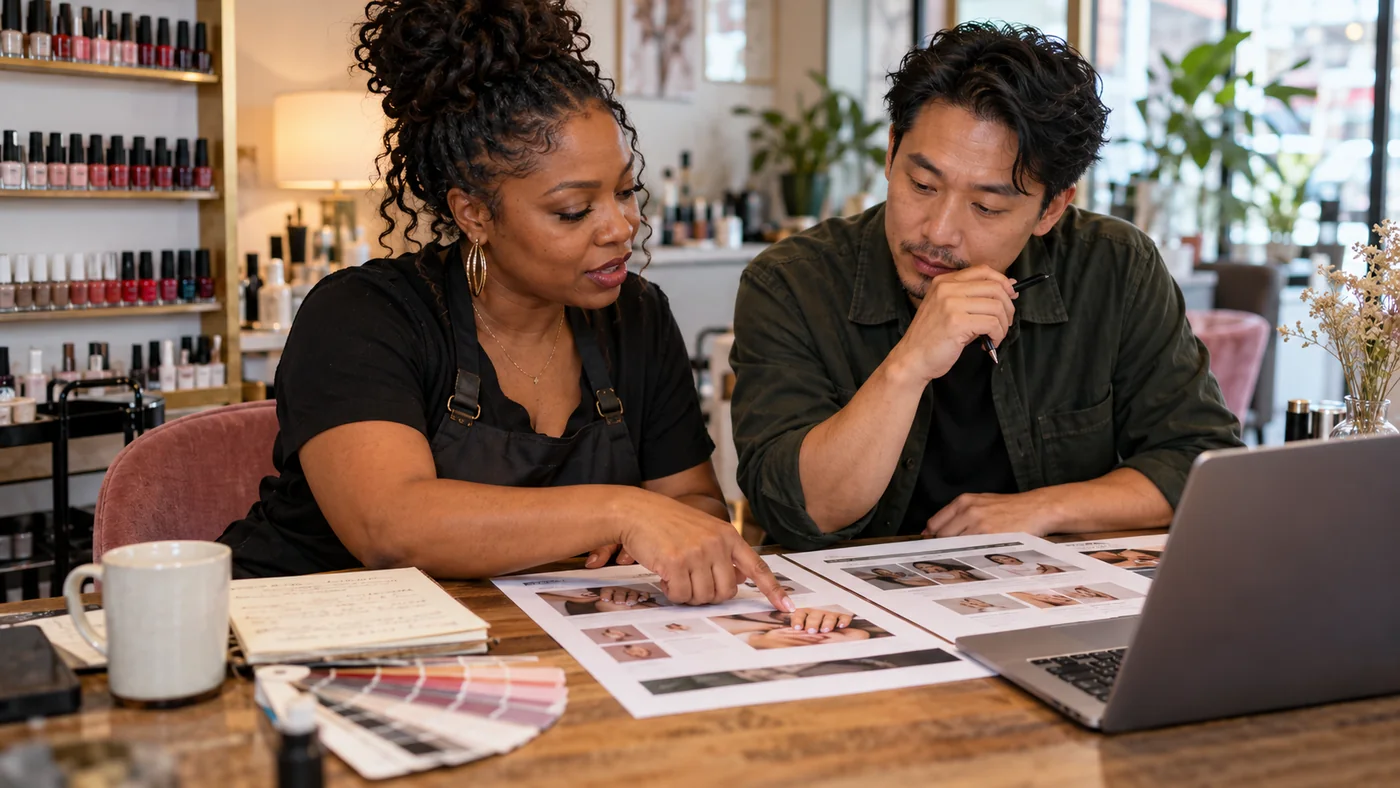
    Salon owner comparing website layout options with a designer.
    AI-generated lifestyle image for Ontiloo Insights.

    A website template can suit a salon with straightforward content and an established booking link. Custom design becomes more valuable when your service structure, locations or customer journey needs a different arrangement. Decide from the work the website must do, then evaluate appearance and price.

    What the two approaches actually mean

    A template provides an existing layout that is adapted with your brand, menu, images and contact details. Custom design gives more freedom to shape those elements around a defined brief. Both approaches can produce a useful mobile website. Both can also disappoint if the content is inaccurate or the booking flow is confusing.

    QuestionA template may fit whenCustom work may help when
    ContentYou need a small, predictable set of pagesServices require different explanations and page structures
    BrandExisting layouts suit your photos and visual identityYour brand needs a distinctive presentation
    LocationsOne address and booking destination cover the salonGuests must choose between several locations or teams
    BookingA supported link or widget meets your needsThe customer journey needs additional logic or integrations
    MaintenanceYour team can update the chosen systemYou need a tailored editing workflow and training

    Look for the hidden customization

    A “template” project may still require substantial work: rewriting service descriptions, preparing images, replacing demo links and testing forms. Ask how many revisions and content changes are included. Confirm that the final website will contain your business details throughout, including the footer, mobile menu, metadata and confirmation messages.

    Custom design has its own questions. Who maintains the code or builder? Can another qualified provider take over? What happens when a plugin or booking platform changes? A distinctive layout should not make routine updates unnecessarily difficult.

    Use a task-based demo

    Give both providers the same scenario: a new customer wants a gel manicure with removal, needs to know the expected price basis, and wants to book at the correct location. Ask them to show that journey on mobile. Then ask how your staff would update a service price next month.

    Choose the approach that solves those tasks within a clear budget and maintenance plan. If the standard layout works, spend remaining resources on useful copy and real photography. If it forces important information into awkward places, define the custom changes before signing the scope.

    Questions to settle in writing

    • What is included in design, content entry and launch testing?
    • Who owns the domain, content and relevant accounts?
    • Which recurring licenses and subscriptions are required?
    • What can the salon edit, and what needs provider support?
    • How will existing links be preserved during a replacement?

    Published by Ontiloo · October 14, 2026. Examples are illustrative unless stated otherwise. Product capabilities, prices and platform rules should be checked against the current provider documentation and your agreement.
  • Website Design Lessons from Ontiloo’s Salon Showcase

    Website Design Lessons from Ontiloo’s Salon Showcase

    Skip to content
    Bring your payments, POS, and marketing together with OntilooLearn more about Ontiloo solutions

    Website Design

    Website Design Lessons from Ontiloo’s Salon Showcase

    Turn Ontiloo’s salon website showcase into a practical design brief, with a method for comparing booking paths, service menus and brand presentation.

    By Ontiloo · October 14, 2026 · 2 min read

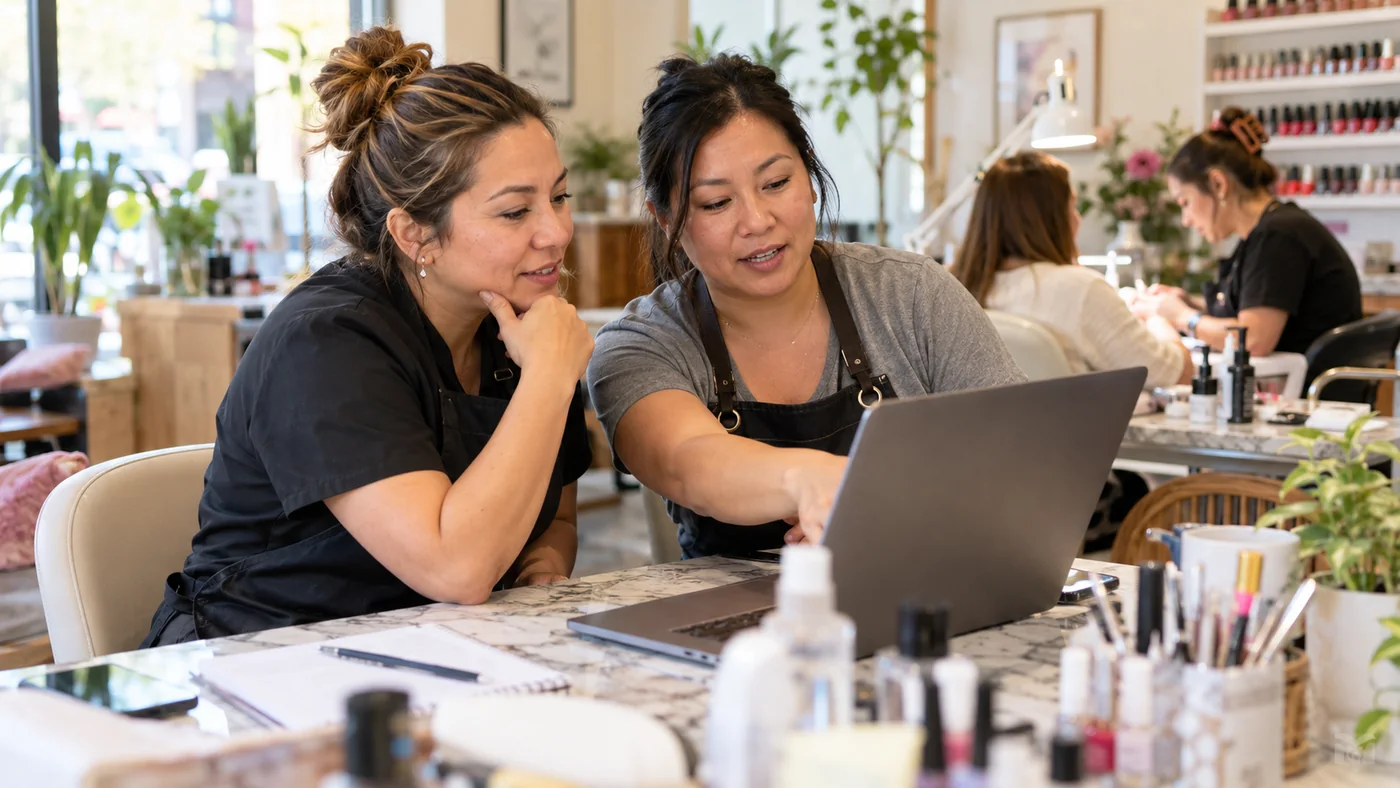
    Nail salon colleagues reviewing their website beside a manicure station.
    AI-generated lifestyle image for Ontiloo Insights.

    A salon website showcase is most useful when you study the decisions behind each design. Ontiloo’s collection includes salon and spa examples with different brand personalities. Instead of copying a homepage, identify what your own visitors need to understand before they contact or book with you.

    Start with the customer task

    Open the Ontiloo website collection on a phone. Choose one task: finding a pedicure price, locating the salon, or starting an appointment. Count the steps and note where you have to guess. A visually appealing screen is only one part of the experience; the next action should be obvious.

    Three useful comparison lenses

    Example in the collectionWhat to examineDecision for your own brief
    Enchanted Beauty SpaIts public homepage separates service groups and provides repeated booking linksWhich service groups need their own explanation before booking?
    Elife Nail Spa RiverbendUse the showcase preview to assess the balance of salon imagery and introductory contentDo your strongest photos explain your salon experience?
    Pure Polish Nails & SpaCompare the showcase presentation with your own service and contact prioritiesWhat should a first-time guest see before your gallery?

    These are design-review prompts, not measured conversion case studies. Live websites can change, and a preview does not verify every feature on the current site. Test the links and booking journey yourself before using an example as a functional specification.

    A closer look at one booking journey

    The Enchanted Beauty Spa homepage presents manicure, nail enhancement and pedicure sections, then explains the steps of a visit. Its repeated booking action illustrates a useful principle: offer the next step after relevant information, not only at the top of the page.

    That principle can work in several visual styles. A compact salon may need a short menu and direct booking link. A spa offering multiple treatment categories may need more explanation before the same action. The content structure should reflect the decision your guest is making.

    Make a shortlist without copying

    1. Save three examples and write one reason you chose each.
    2. Separate visual preferences from functional requirements.
    3. List your actual services, current prices, location details and policies.
    4. Identify images you own and still need to photograph.
    5. Ask the designer to demonstrate the mobile booking path before launch.

    A useful design brief might say: “We like a calm cream background, large photographs and a simple menu. Our priority is making gel removal and add-on pricing clear before booking.” That gives a designer both a visual direction and a customer problem to solve.

    Published by Ontiloo · October 14, 2026. Examples are illustrative unless stated otherwise. Product capabilities, prices and platform rules should be checked against the current provider documentation and your agreement.

  • Nail Salon Website Cost: What Your Quote Should Include

    Nail Salon Website Cost: What Your Quote Should Include

    Skip to content
    Bring your payments, POS, and marketing together with OntilooLearn more about Ontiloo solutions

    Website Design

    Nail Salon Website Cost: What Your Quote Should Include

    Compare nail salon website quotes by scope, ownership, booking setup and ongoing costs. Use this checklist before choosing a design package.

    By Ontiloo · October 14, 2026 · 2 min read

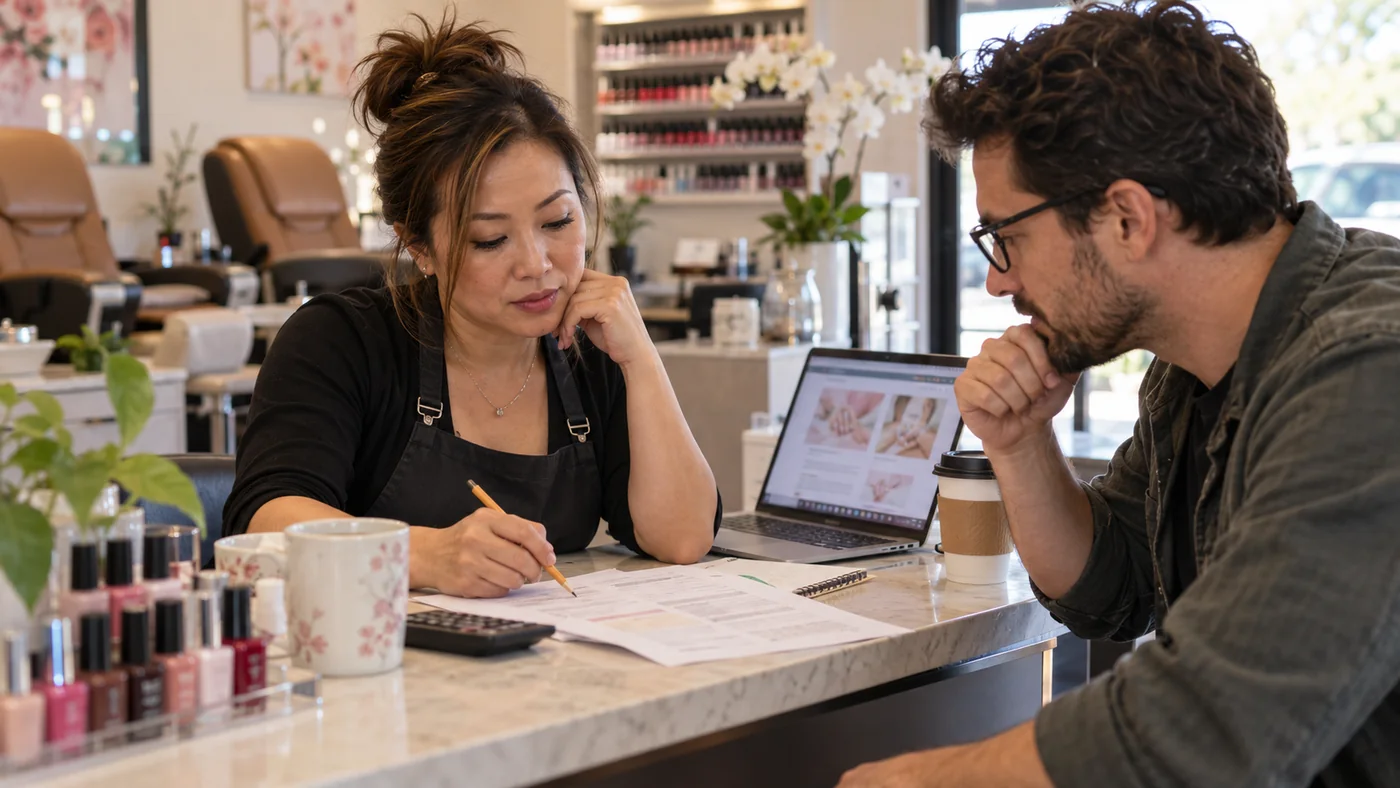
    Salon owner and web designer reviewing a website estimate at the reception desk.
    AI-generated lifestyle image for Ontiloo Insights.

    A nail salon website quote is useful only when it explains what you will receive, what you will own and what you will pay after launch. A lower setup price can become expensive if every menu change is billed separately or your booking connection is excluded. Start with a written scope, then compare the total cost over the same period.

    Separate the build from the running costs

    The initial project may include design, page setup, copy preparation, image selection, mobile layouts and launch checks. Recurring costs may include the domain, hosting, maintenance, security monitoring, licensed tools and booking software. Ask whether those recurring items are billed by the designer or by a separate provider. A website package does not automatically include an appointment system subscription.

    Quote itemAsk the provider to specify
    Pages and contentNamed pages, service-menu length, copywriting and photo preparation
    BookingLink, embedded widget or custom connection; provider fees and limitations
    Mobile experienceNavigation, click-to-call, booking and service-menu testing
    SEO setupTitles, descriptions, indexability, sitemap and existing URL redirects
    Ongoing supportIncluded edits, response expectations, backups and exclusions
    OwnershipDomain registration, website access, content rights and export terms

    Use one brief for every quote

    List the services you offer, your location count, your current booking provider and who will supply the words and photographs. Include examples of the visual style you like, but also explain the problem you need to solve. “Customers cannot find our removal prices on mobile” gives a designer a clearer assignment than “make it modern.”

    Ask each provider to price the same scope. A five-page template installation and a custom build with photography, copywriting and booking integration are different projects. Neither is automatically the better choice. The right comparison is whether each deliverable supports your salon’s customer journey.

    Calculate the first-year commitment

    Use this worksheet: setup fee + 12 months of recurring charges + required third-party subscriptions + expected out-of-scope edits. Keep optional photography, advertising and advanced integrations on separate lines. For a longer contract, also calculate the full contract commitment and any cancellation or transfer costs.

    Request a launch checklist and an acceptance period in writing. Agree on who approves the menu, contact information, policy wording and booking flow. Confirm whether you can make routine updates yourself and whether training is included.

    What to send Ontiloo

    Bring your existing URL, service menu, logo files, booking link and three priorities. Ontiloo can then discuss a defined website scope. This guide is a quote-comparison framework, not a published Ontiloo price list; request a current written proposal for your actual requirements.

    Published by Ontiloo · October 14, 2026. Examples are illustrative unless stated otherwise. Product capabilities, prices and platform rules should be checked against the current provider documentation and your agreement.