
Author: tuananhadmin

  • Nail Salon Promotions for Slow Weekdays: Test Offers Without Guesswork

    Nail Salon Promotions for Slow Weekdays: Test Offers Without Guesswork

    Skip to content
    Bring your payments, POS, and marketing together with OntilooLearn more about Ontiloo solutions

    Salon Marketing

    Nail Salon Promotions for Slow Weekdays: Test Offers Without Guesswork

    Test salon promotions for slow weekdays with a clear capacity goal, simple terms, a unique tracking code and a contribution-based review.

    By Ontiloo · October 14, 2026 · 2 min read
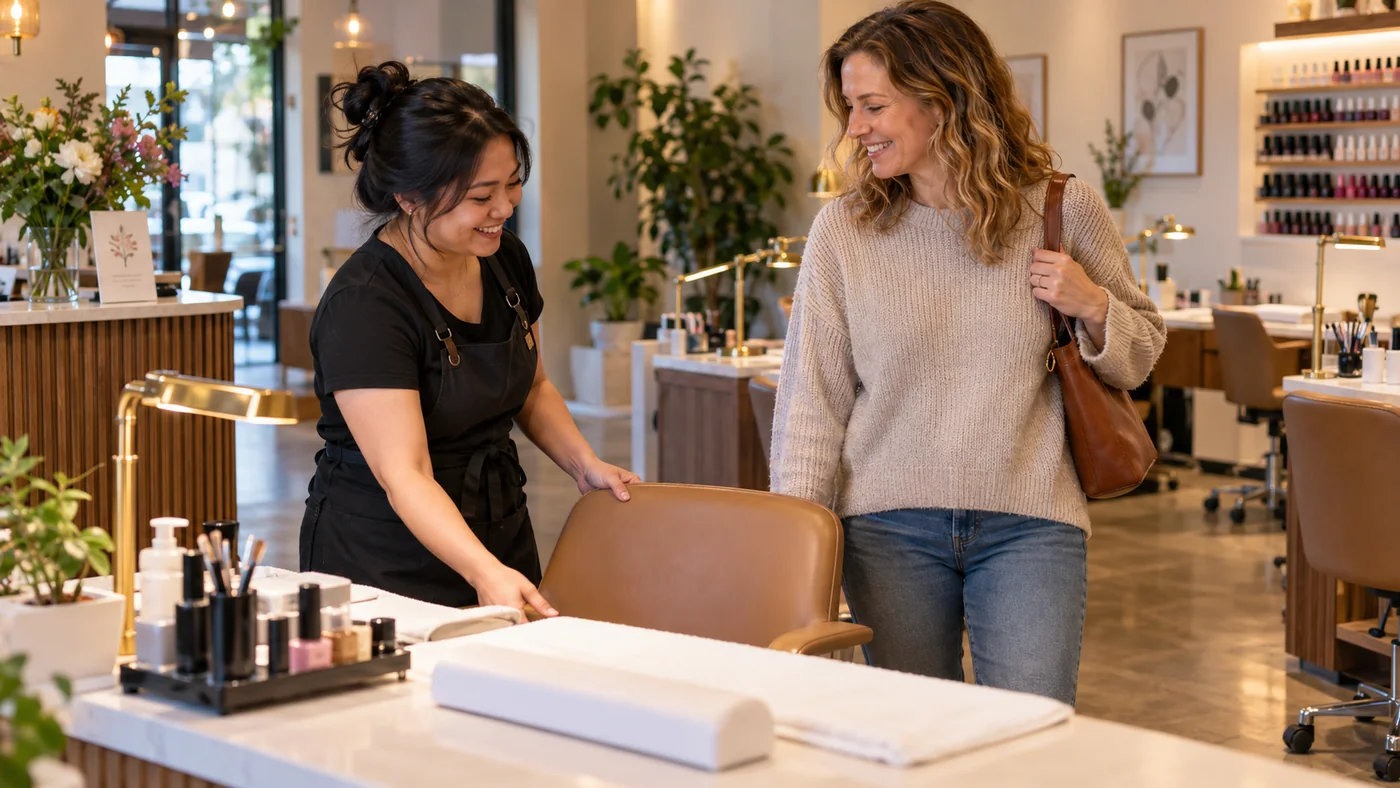
    Nail technician welcoming a customer during a quiet weekday afternoon.
    AI-generated lifestyle image for Ontiloo Insights.

    A slow-weekday promotion should fill genuinely available capacity without creating an offer the salon cannot profitably deliver. Start with the days, times and services you want to support. Then design a small test with clear terms and a way to distinguish incremental visits from appointments that would have happened anyway.

    Choose an offer that fits the problem

    SituationTest ideaCheck first
    Unused weekday slotsA defined weekday service offerStaff availability and contribution after the incentive
    Guests unsure about an upgradeAn approved package with clearly stated inclusionsTime required and actual delivery cost
    Long gaps between visitsA return-visit invitation through an authorized channelConsent, timing and relevance
    Low awareness of a serviceA focused service explanation with a bounded introductory offerWhether the service can be delivered consistently

    Write the terms before the creative

    Specify the eligible service, days, times, locations, booking requirements and any exclusions. State whether offers can be combined and how customers redeem them. Have staff practice explaining the promotion before it appears online. Avoid false scarcity or claims that every guest will receive a benefit when availability is limited.

    Protect the appointment economics

    Estimate the service revenue after the incentive and the variable cost of providing it. Include extra time if an upgrade makes appointments longer. A busy calendar can still be a poor result if discounted appointments displace full-price demand or create overtime.

    Track the test

    1. Assign a unique campaign name or code.
    2. Record the eligible period and baseline weekday demand.
    3. Log redemptions, completed visits and relevant service revenue.
    4. Note whether guests are new or returning when your records support it.
    5. Review contribution, capacity and customer feedback.

    Compare with similar weekdays and acknowledge seasonality or other campaigns. A simple before-and-after comparison is useful operationally, but it does not prove that every additional visit was caused by the promotion.

    Keep reviews outside the offer

    Do not make a Google review a redemption condition. Invite honest feedback through a separate, neutral process. The promotion should stand on its own as a clearly described customer offer.

    Published by Ontiloo · October 14, 2026. Examples are illustrative unless stated otherwise. Product capabilities, prices and platform rules should be checked against the current provider documentation and your agreement.
  • How to Measure Nail Salon Marketing ROI

    How to Measure Nail Salon Marketing ROI

    Skip to content
    Bring your payments, POS, and marketing together with OntilooLearn more about Ontiloo solutions

    Salon Marketing

    How to Measure Nail Salon Marketing ROI

    Measure salon marketing ROI using attributable contribution, total campaign costs and clear definitions for leads, appointments, revenue and repeat visits.

    By Ontiloo · October 14, 2026 · 2 min read

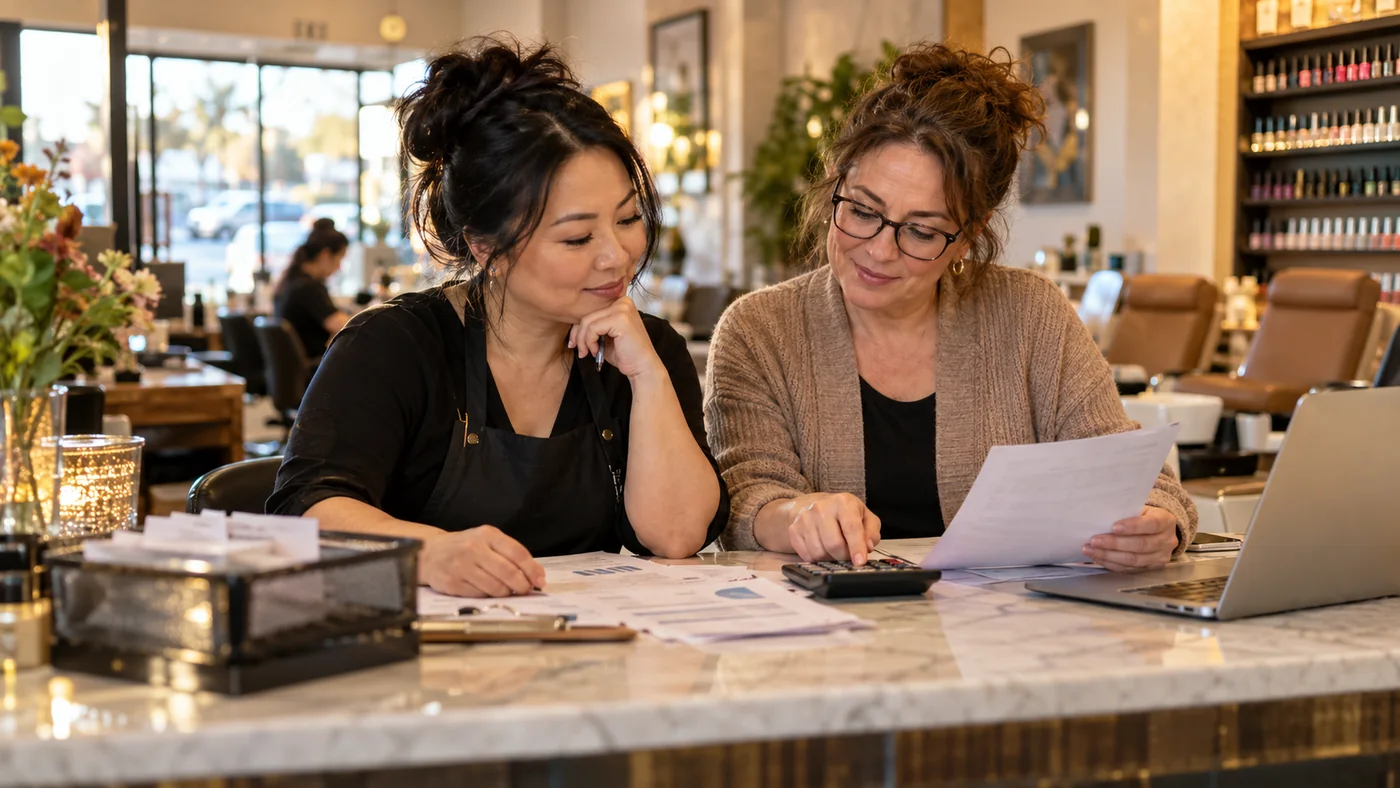
    Salon owner and bookkeeper reviewing marketing results and business reports.
    AI-generated lifestyle image for Ontiloo Insights.

    Salon marketing ROI should compare the contribution generated by a campaign with the cost of running it. Revenue alone can exaggerate the return because delivering the service, discounting the offer and managing the campaign all have costs. Be explicit about attribution and use estimates only when they are labeled.

    Define the measures before calculating

    • Lead: an inquiry, not necessarily a new customer.
    • Booked appointment: a scheduled visit that may still cancel.
    • Completed visit: an appointment the customer attended.
    • Attributable revenue: revenue connected to the campaign under a stated method.
    • Contribution: revenue after the relevant variable costs of delivering those visits.

    Use a transparent formula

    Marketing ROI = (attributable contribution − marketing cost) ÷ marketing cost × 100. Define which costs are included and use the same method across reporting periods. This is a management calculation, not a replacement for your accountant’s financial statements.

    Illustrative example only: a campaign costs $500 in advertising and $200 in management and creative work. It is associated with 20 completed new-customer visits averaging $60, or $1,200 revenue. If the relevant variable service costs are $500, contribution is $700. The resulting ROI on the $700 marketing cost is 0%, before any later visits. The example is not an Ontiloo result or performance promise.

    Keep the reporting worksheet small

    FieldWhy it matters
    Campaign and datesDefines the test period
    Spend and management costShows the full marketing investment
    Qualified inquiriesSeparates relevant interest from noise
    Booked and completed visitsReveals cancellations and follow-up issues
    Revenue and variable costsSupports a contribution-based view
    Attribution methodMakes uncertainty visible

    Treat repeat visits carefully

    Track the acquired customer group over time if you have appropriate records and permission. Do not assume a lifetime value from one appointment or count every later sale as entirely caused by the original ad. Report first-visit economics and observed repeat behavior separately.

    Use the result to make a decision

    If leads are plentiful but appointments are scarce, investigate response handling. If appointments occur but contribution is weak, examine the offer and delivery costs. If attribution is incomplete, improve tracking before presenting a precise ROI. A useful report shows both what is known and what still needs evidence.

    Published by Ontiloo · October 14, 2026. Examples are illustrative unless stated otherwise. Product capabilities, prices and platform rules should be checked against the current provider documentation and your agreement.
  • Google Ads vs Facebook Ads for Nail Salons: Which Fits Your Goal?

    Google Ads vs Facebook Ads for Nail Salons: Which Fits Your Goal?

    Skip to content
    Bring your payments, POS, and marketing together with OntilooLearn more about Ontiloo solutions

    Salon Marketing

    Google Ads vs Facebook Ads for Nail Salons: Which Fits Your Goal?

    Compare Google Ads and Facebook ads for a nail salon by customer intent, creative needs, landing pages, follow-up and the outcomes you can measure.

    By Ontiloo · October 14, 2026 · 2 min read

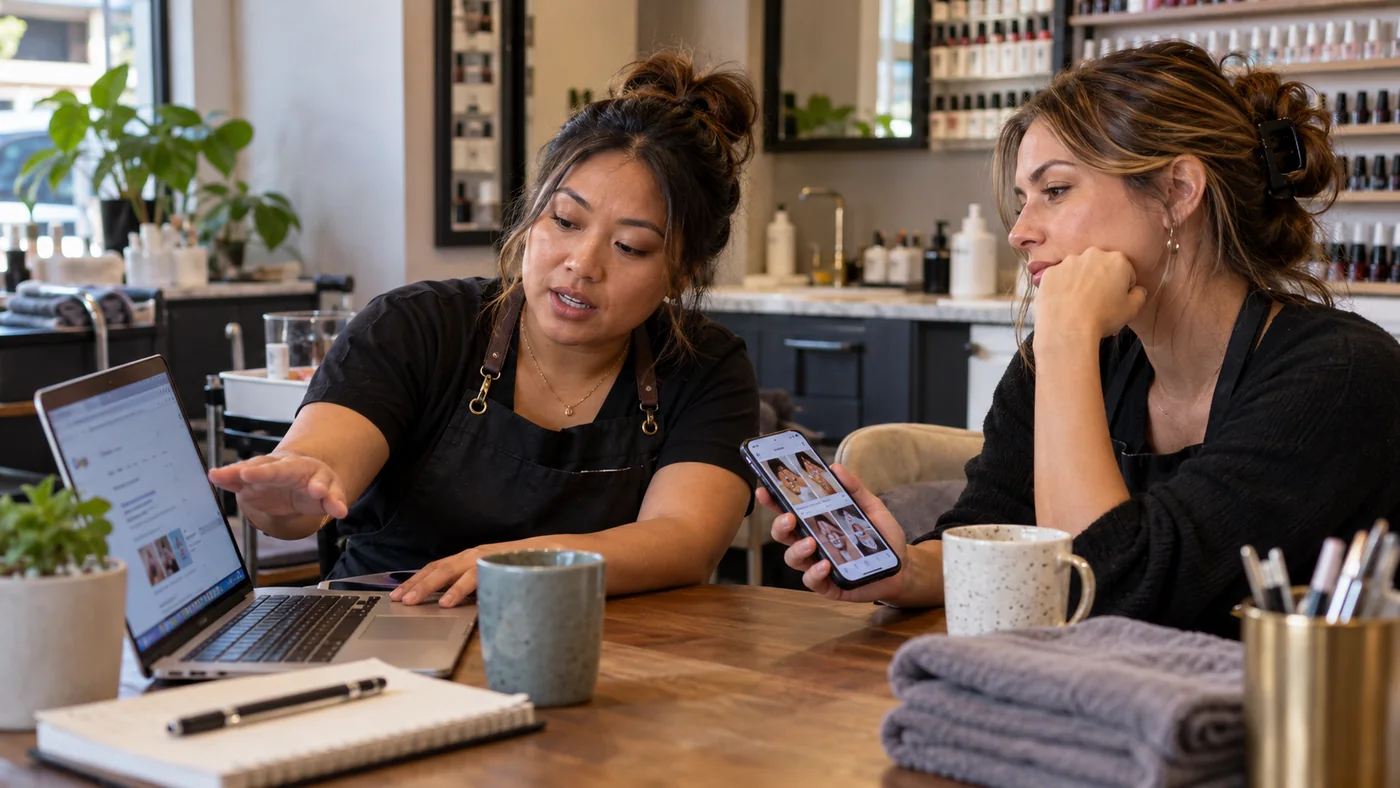
    Salon co-owners comparing social and search advertising options.
    AI-generated lifestyle image for Ontiloo Insights.

    Google Search ads can meet people actively looking for a salon or service. Facebook ads can introduce your work to people who were not searching at that moment. Neither channel is automatically better for every salon. Choose from the goal, available creative, local demand and your ability to convert interest into appointments.

    Compare the operating requirements

    QuestionGoogle Search adsFacebook ads
    What starts the interaction?A relevant searchA creative shown within the platform experience
    What must be strong?Query targeting, ad relevance and landing pageVisual message, audience fit and next step
    What often needs review?Search terms, location settings and conversion qualityCreative fatigue, lead quality and response handling
    What should count as success?The defined business outcome after the clickThe defined business outcome after the interaction

    Choose a first test from your situation

    If customers already search for your service locally and your website answers their questions well, a focused search test may be practical. If your strongest asset is distinctive visual work and you need to introduce the salon, a social test may fit. If the booking path or front-desk follow-up is unreliable, repair that before increasing either channel’s spend.

    Compare equivalent outcomes

    Do not compare one channel’s cost per click with another channel’s cost per appointment. Define the same stage: qualified inquiry, booked appointment or completed visit. Keep the attribution window and cost treatment visible. Some customers will encounter more than one channel before booking, so avoid claiming perfect attribution.

    A hypothetical example: one campaign generates fewer inquiries but a higher share of completed visits. Another generates many low-intent forms. The second is not necessarily better because its forms are cheaper. Evaluate the outcome and cost your salon actually cares about.

    Use a bounded experiment

    1. State one goal and an agreed budget.
    2. Choose a service and audience the salon can support.
    3. Prepare the landing page or lead process.
    4. Run long enough to collect useful evidence within the budget.
    5. Review quality, cost and operational impact before expanding.

    Platform options evolve, so confirm current settings in Google’s measurement guidance and Meta’s advertising resources. This comparison is a decision framework, not a prediction of which account will perform better.

    Published by Ontiloo · October 14, 2026. Examples are illustrative unless stated otherwise. Product capabilities, prices and platform rules should be checked against the current provider documentation and your agreement.
  • Google Ads for Nail Salons: Keywords, Landing Pages and Tracking

    Google Ads for Nail Salons: Keywords, Landing Pages and Tracking

    Skip to content
    Bring your payments, POS, and marketing together with OntilooLearn more about Ontiloo solutions

    Salon Marketing

    Google Ads for Nail Salons: Keywords, Landing Pages and Tracking

    Plan nail salon Google Ads around service intent, location relevance, a matching landing page and conversion tracking that separates clicks from bookings.

    By Ontiloo · October 14, 2026 · 2 min read

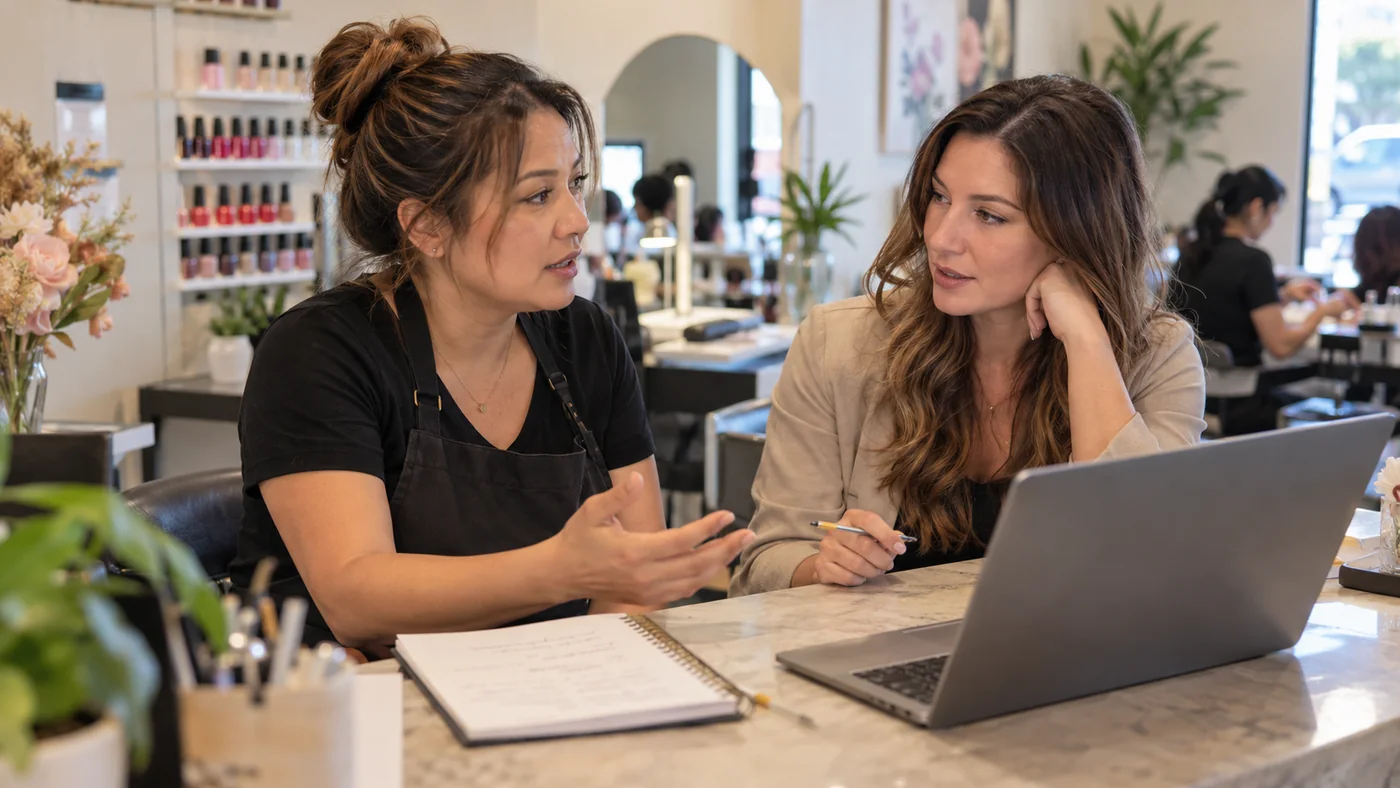
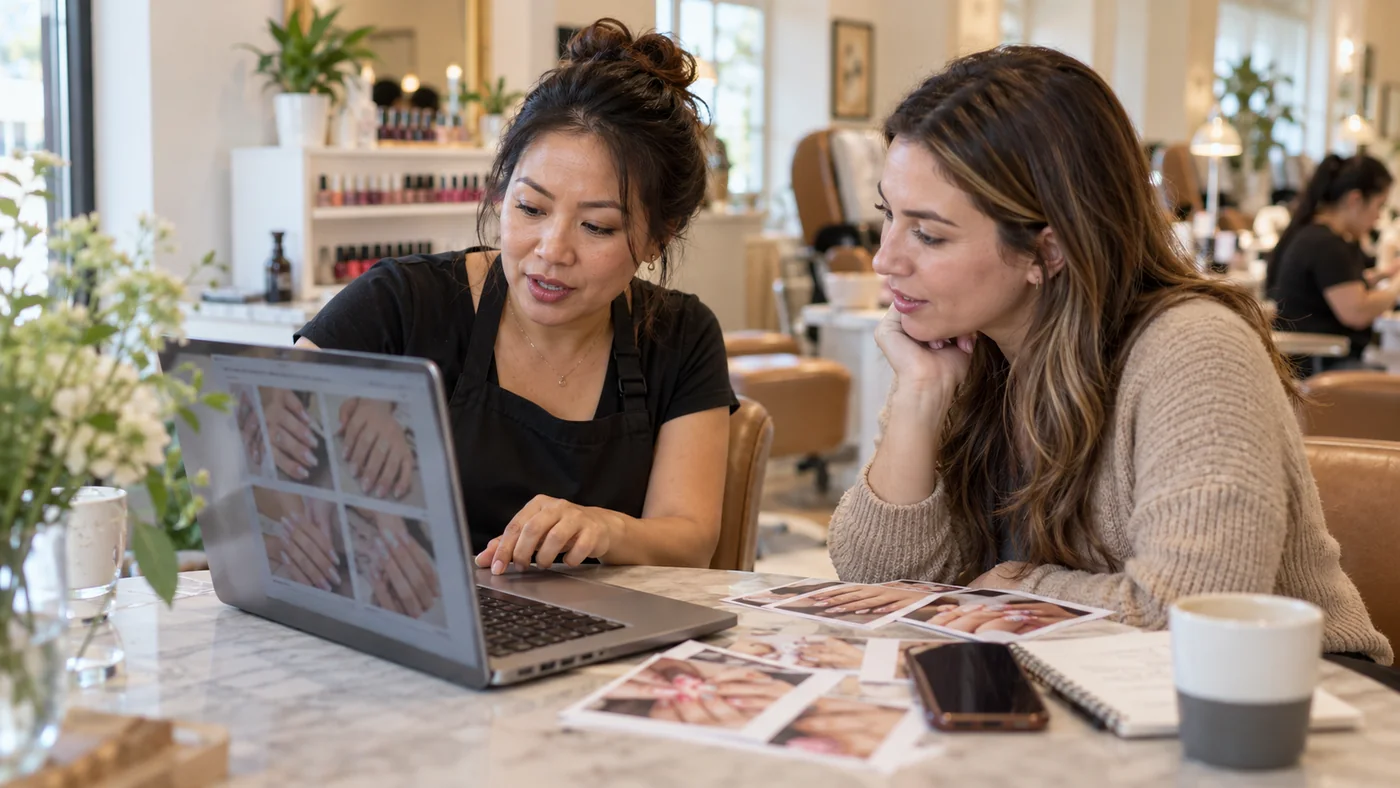
    Salon owner discussing a search advertising campaign with a consultant.
    AI-generated lifestyle image for Ontiloo Insights.

    A salon search campaign should connect a relevant customer query with a page that answers the need and makes the next step clear. Start with a manageable service focus, a realistic geographic area and a tested conversion definition. Do not pay for traffic before confirming where it will land.

    Group keywords by the customer task

    Separate broad salon searches from specific service searches when the destination or message differs. Use actual services and location terms. Review search terms regularly to identify irrelevant intent, such as jobs, training or wholesale supplies when those are not part of your business.

    IntentIllustrative queryUseful destination
    Find a salonNail salon in a real service areaLocation and service overview
    Find a specific treatmentGel manicure in that areaRelevant service details and booking
    Find the known businessActual salon nameOfficial salon page and contact options

    These are planning examples, not measured keyword volumes or a ready-to-upload account structure. Validate demand, match types, location settings and costs in the actual advertising account.

    Make the landing page match

    Show the advertised service, actual location, relevant price basis and a working booking or contact action. If the ad promotes a limited offer, the page should show the same terms. Test on mobile and check that a visitor does not need to search the entire website to find the promised information.

    Define conversions carefully

    A button click, submitted inquiry and completed appointment are distinct events. Choose the main optimization action deliberately and keep diagnostic actions separate where appropriate. Google’s primary and secondary conversion documentation explains how those settings affect reporting and bidding.

    Test the implemented tracking and avoid counting the same outcome twice through overlapping tags or imports. When an external booking provider cannot report completion, record that limitation rather than labeling every outbound click a booking.

    Review the complete funnel

    1. Check search-term relevance and geographic fit.
    2. Review landing-page behavior and contact errors.
    3. Inspect the quality of inquiries.
    4. Compare appointments and contribution with campaign cost.
    5. Adjust one identifiable problem at a time.

    Keep ad spend, management fees and offer costs visible in the evaluation. A useful campaign report explains what happened after the click, not only the number of clicks purchased.

    Published by Ontiloo · October 14, 2026. Examples are illustrative unless stated otherwise. Product capabilities, prices and platform rules should be checked against the current provider documentation and your agreement.
  • Facebook Ads for Nail Salons: A First-Campaign Checklist

    Facebook Ads for Nail Salons: A First-Campaign Checklist

    Skip to content
    Bring your payments, POS, and marketing together with OntilooLearn more about Ontiloo solutions

    Salon Marketing

    Facebook Ads for Nail Salons: A First-Campaign Checklist

    Prepare a first Facebook ad campaign for your nail salon with a defined goal, approved creative, a useful landing page and a lead-response process.

    By Ontiloo · October 14, 2026 · 2 min read

    Salon owner and marketing assistant choosing a photograph for an advertisement.
    AI-generated lifestyle image for Ontiloo Insights.

    Before launching Facebook ads, decide which customer action you want and how you will handle it. A campaign for local awareness has a different job from a campaign seeking inquiries or bookings. Choose the available campaign objective that matches the outcome, and verify the current settings in your account.

    Complete the pre-launch checklist

    ItemReady means
    GoalOne primary outcome is defined
    AudienceThe geographic area matches realistic customer travel
    CreativeImages and claims are accurate and cleared for use
    OfferTerms, availability and redemption are approved
    DestinationThe page or form works on mobile
    Follow-upSomeone is responsible for responding to inquiries
    BudgetA spending limit and review date are agreed
    MeasurementClicks, leads and completed appointments are distinguished

    Use one understandable message

    Show the service or experience the ad is about. Identify the salon and location, then explain the next step. Avoid combining a grand-opening announcement, multiple discounts and a long service list into one creative. A viewer should understand the offer without opening a comment thread.

    Use real, permission-cleared salon work where it is presented as evidence. Illustrations can support a concept, but they should not be mistaken for actual results. Check that the ad’s promise remains accurate on the landing page.

    Prepare the destination and response process

    If the campaign uses a lead form, ask only for information needed to respond and provide appropriate privacy information. If it sends people to a website, test the relevant service, contact and booking path. Keep a record of whether each inquiry was reachable, relevant, booked or not yet resolved.

    Review quality before scaling

    A low cost per lead is not useful when most inquiries are outside your area or cannot book the advertised service. Review the actual conversations and appointment outcomes. Look for unclear pricing, weak follow-up or a mismatch between creative and service before simply increasing the budget.

    Use current platform guidance

    Consult Meta’s advertising resources for current campaign options and policies. Account interfaces and eligible objectives can change. This checklist defines the business decisions to make before using those controls; it does not promise a particular campaign result.

    Published by Ontiloo · October 14, 2026. Examples are illustrative unless stated otherwise. Product capabilities, prices and platform rules should be checked against the current provider documentation and your agreement.
  • Nail Salon Instagram Reels: 15 Ideas You Can Film in Your Salon

    Nail Salon Instagram Reels: 15 Ideas You Can Film in Your Salon

    Skip to content
    Bring your payments, POS, and marketing together with OntilooLearn more about Ontiloo solutions

    Salon Marketing

    Nail Salon Instagram Reels: 15 Ideas You Can Film in Your Salon

    Film 15 practical Instagram Reel ideas inside your nail salon, with clear subjects, customer permission and useful calls to action.

    By Ontiloo · October 14, 2026 · 2 min read

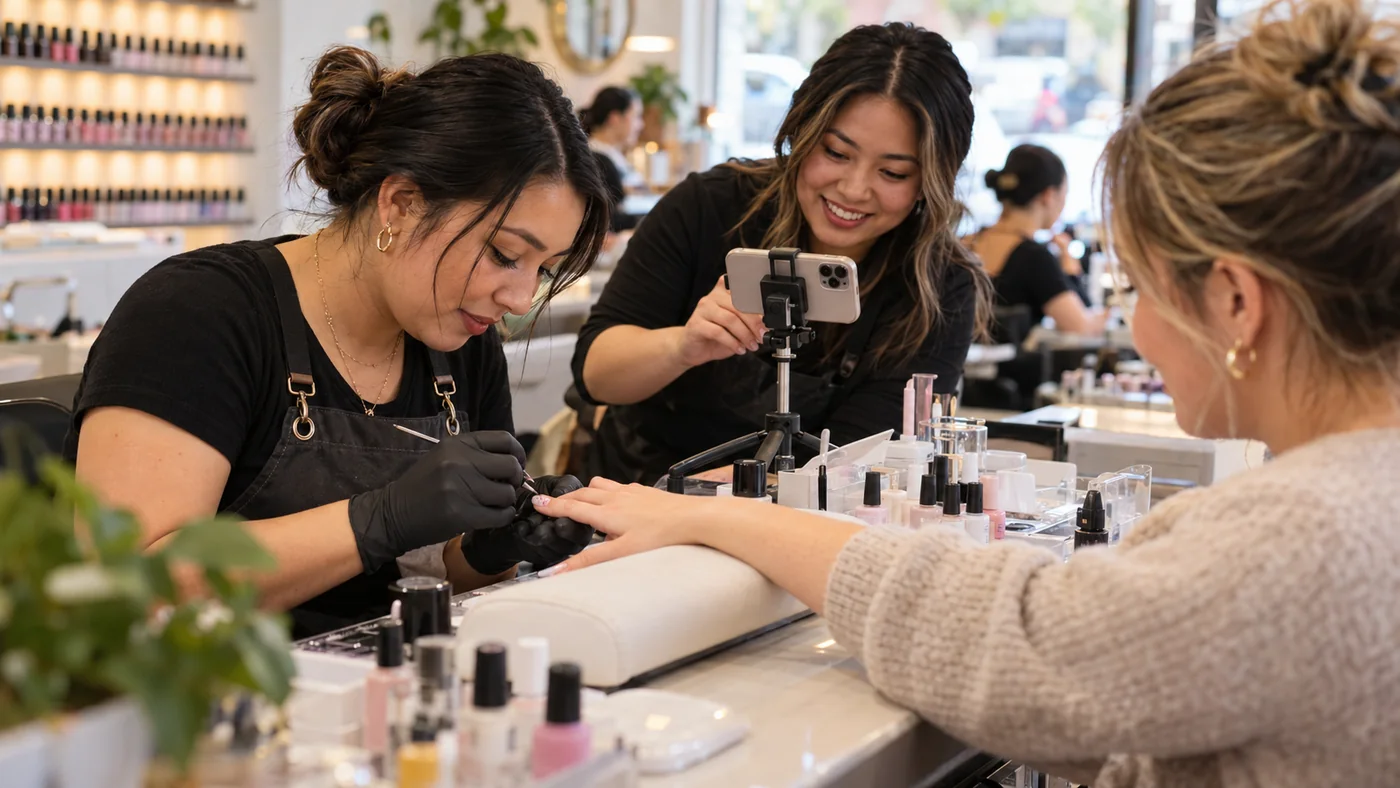
    Nail salon team filming a manicure video with a smartphone and tabletop tripod.
    AI-generated lifestyle image for Ontiloo Insights.

    A useful salon Reel shows one clear idea quickly. Film real work and relevant details, explain the context, and give viewers a natural next step. You do not need a complicated production setup, but you do need permission, a clean frame and an honest representation of the result.

    Fifteen ideas to film

    1. A finished-set reveal. Show the actual nails in consistent light and identify the style.
    2. Three colors, one mood. Present a seasonal palette without claiming every shade is always in stock.
    3. From entrance to reception. Help first-time guests recognize the location.
    4. How to book. Demonstrate the public booking path using no private customer data.
    5. One service explained. Show what is included and direct viewers to the full menu.
    6. A nail-art detail. Focus on a small design element with the artist’s permission.
    7. Meet a team member. Let a consenting staff member explain a favorite design style.
    8. What to ask before booking. Cover removal, length or art requests relevant to your menu.
    9. A salon atmosphere tour. Show representative spaces without filming guests unexpectedly.
    10. Gift card presentation. Show packaging and explain the actual purchase method.
    11. A common question answered. Use a question your front desk regularly receives.
    12. A color comparison. Show two finishes under the same lighting conditions.
    13. Preparing a workstation. Explain only procedures your team actually follows.
    14. A visit-planning tip. Show parking or the entrance customers sometimes miss.
    15. A monthly style recap. Combine permission-cleared examples and invite viewers to discuss availability.

    Use a simple filming structure

    Open with the subject, show the detail and end with one action. For example: introduce a design, show it from two angles and invite the viewer to ask about booking the required service. Use readable captions when speech carries important information and keep essential text away from interface overlays.

    Protect the accuracy of the image

    Avoid filters that substantially misrepresent color, skin or the finished work. If a clip is an illustration or a concept rather than work performed by your salon, label it. Do not present generated imagery as a real customer’s result.

    Choose a practical next step

    Some videos help a viewer save inspiration; others should send them to services, directions or booking. Match the action to the subject. “Book now” is less helpful when the viewer still needs to know which service creates the look.

    Track questions and qualified inquiries alongside reach. Reuse the formats that your team can produce consistently and that help customers make informed decisions.

    Published by Ontiloo · October 14, 2026. Examples are illustrative unless stated otherwise. Product capabilities, prices and platform rules should be checked against the current provider documentation and your agreement.
  • A 30-Day Social Media Content Calendar for Nail Salons

    A 30-Day Social Media Content Calendar for Nail Salons

    Skip to content
    Bring your payments, POS, and marketing together with OntilooLearn more about Ontiloo solutions

    Salon Marketing

    A 30-Day Social Media Content Calendar for Nail Salons

    Use a 30-day salon social media calendar with service education, real work, visit information and community content that your team can produce consistently.

    By Ontiloo · October 14, 2026 · 2 min read

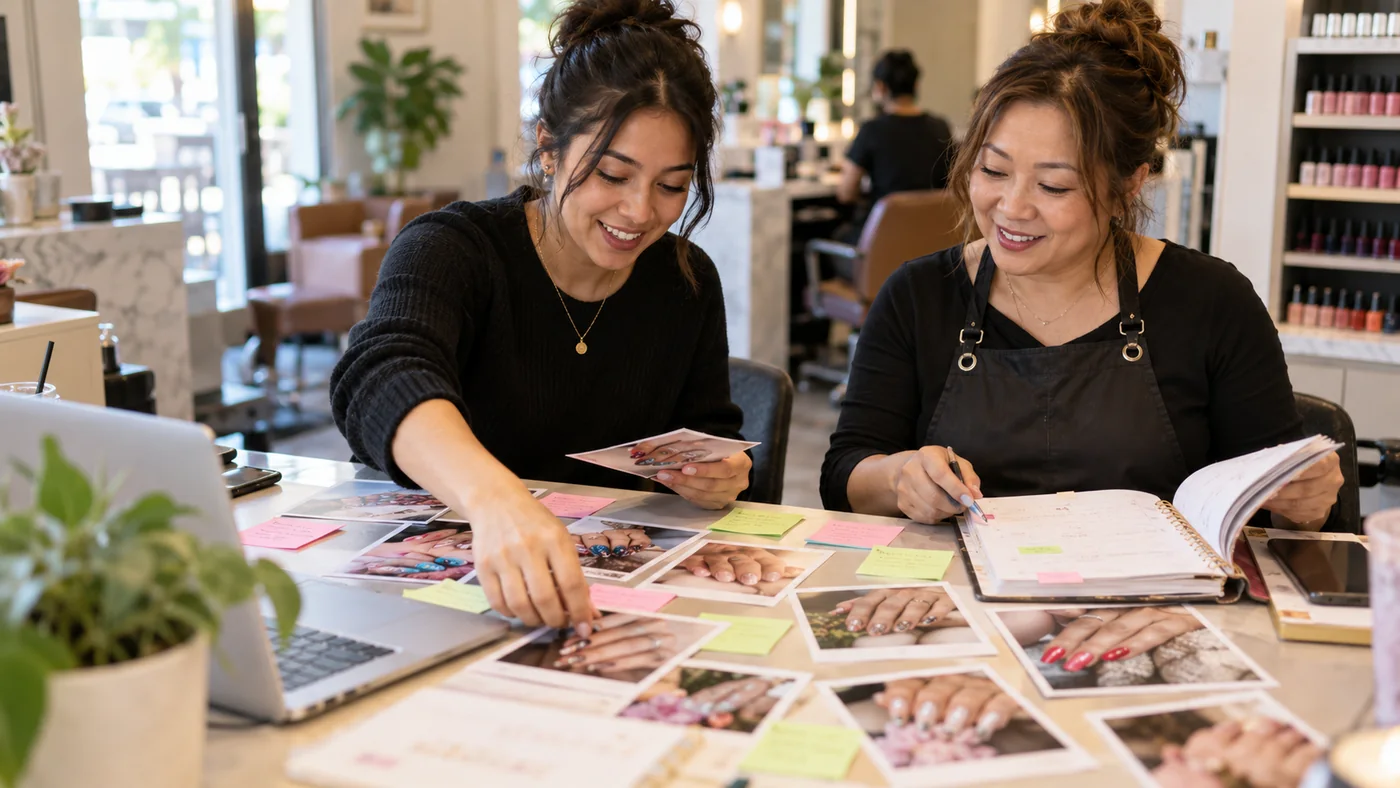
    Salon owner and assistant organizing manicure photos for a content calendar.
    AI-generated lifestyle image for Ontiloo Insights.

    A salon content calendar should make publishing easier without forcing the team to invent a new idea every day. The 30-day plan below mixes useful information, real salon work and practical visit details. Treat it as a production menu: publish at a sustainable pace and keep unpublished ideas for the next cycle.

    Your 30-day idea bank

    DayContent ideaUseful next step
    1Introduce the salon and locationView directions
    2Explain one core serviceRead the menu
    3Show permission-cleared finished nail workAsk about the style
    4Demonstrate the booking pathBook or contact
    5Answer a common pricing questionSee inclusions
    6Show the entrance and parkingPlan a visit
    7Review the week’s questionsSend a question
    8Introduce a consenting team memberMeet the team
    9Explain an add-onChoose the right booking
    10Show a color selectionSave inspiration
    11Share current opening hoursCheck availability
    12Show a short process detailExplore services
    13Explain removal bookingPrepare correctly
    14Share a salon atmosphere photoSee the gallery
    15Answer a walk-in questionContact the salon
    16Show another real styleDiscuss options
    17Explain appointment preparationRead visit details
    18Present a gift card designAsk how to purchase
    19Explain a service distinctionCompare the menu
    20Share a local community moment with permissionLearn more
    21Review frequently asked questionsContact the team
    22Show the booking process on mobileStart booking
    23Introduce a seasonal color paletteSave an idea
    24Explain a policy clearlyPlan the appointment
    25Show a real salon detailExplore the space
    26Share an approved offer, if one existsRead full terms
    27Answer a guest questionRead the answer
    28Show a second team perspectiveMeet the team
    29Recap useful service informationView the menu
    30Review the month’s responsePlan next month’s content

    Batch the work

    Set aside one agreed production session to capture several photos and short clips. Obtain permission before featuring identifiable customers or staff. Keep private booking screens, phone numbers and payment details out of the frame. Use licensed audio and assets appropriate for the account’s intended use.

    Measure useful responses

    Record questions, website visits, qualified inquiries and appointments where attribution is available. Saves and views can show interest, but they are not appointments. Use repeated customer questions to choose the next month’s topics and retire ideas that your team cannot produce well.

    Published by Ontiloo · October 14, 2026. Examples are illustrative unless stated otherwise. Product capabilities, prices and platform rules should be checked against the current provider documentation and your agreement.
  • A 90-Day Nail Salon Marketing Plan for Owners

    A 90-Day Nail Salon Marketing Plan for Owners

    Skip to content
    Bring your payments, POS, and marketing together with OntilooLearn more about Ontiloo solutions

    Salon Marketing

    A 90-Day Nail Salon Marketing Plan for Owners

    Build a 90-day nail salon marketing plan around a clear business goal, reliable booking paths, useful content and measurable customer outcomes.

    By Ontiloo · October 14, 2026 · 2 min read

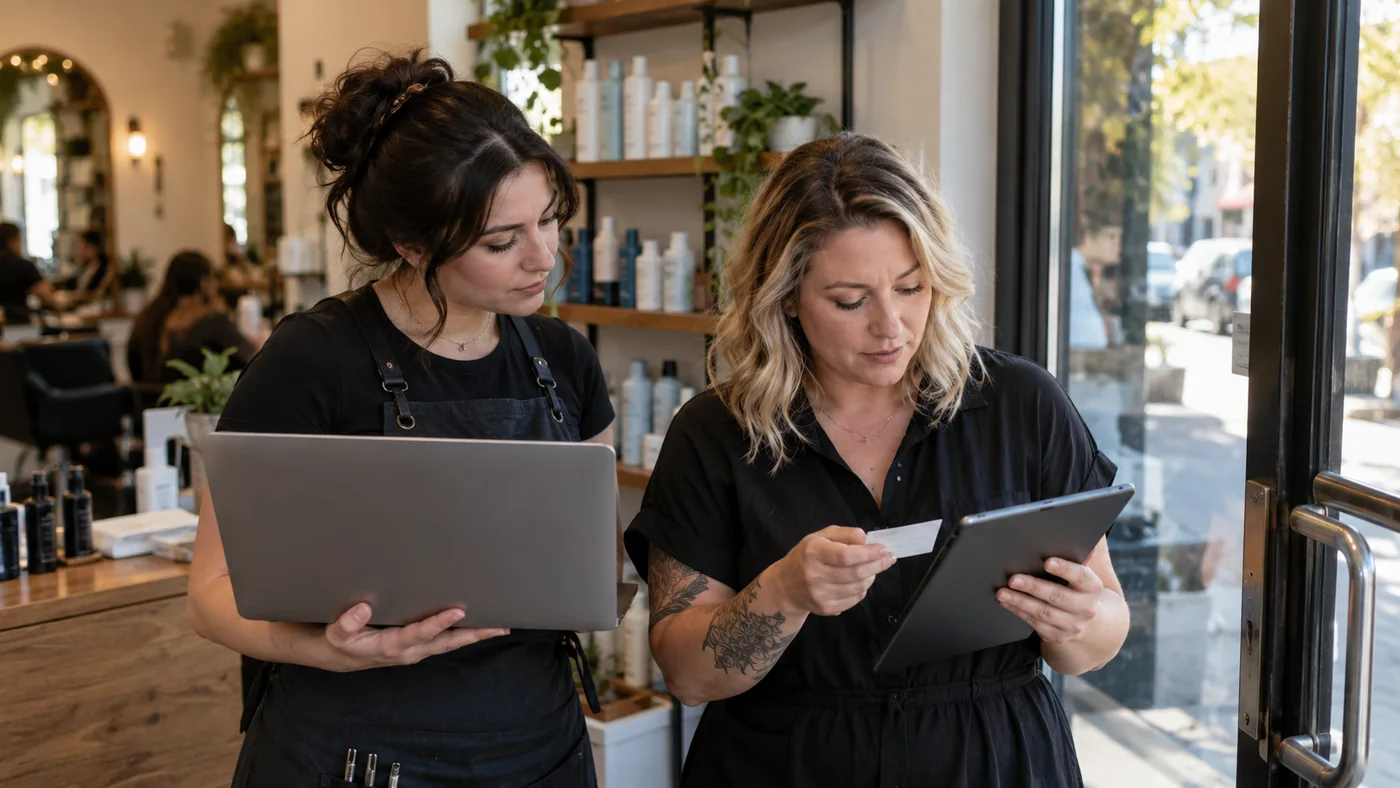
    Salon team planning upcoming marketing activities before opening.
    AI-generated lifestyle image for Ontiloo Insights.

    A workable 90-day salon marketing plan starts with one business problem. You may need more first-time guests, stronger weekday demand or a better return-visit rate. Choose the primary goal, check your capacity and budget, and define how the team will recognize a useful result before choosing channels.

    Days 1–30: establish the foundation

    Review the website, Google Business Profile, service menu and booking links. Correct information that could waste a customer’s time. Record current inquiries, completed appointments and any reliable channel data. Agree on what counts as a qualified lead and who will answer it.

    Choose a realistic content rhythm based on staff availability. Prepare permission-cleared photographs, a short list of customer questions and one consistent contact destination. Avoid launching several offers before the team can track redemptions or explain the terms.

    Days 31–60: run one controlled test

    Select a channel that fits the goal and the assets you have. A search campaign may suit existing service demand; a visual social campaign may suit introducing your salon’s work. Define the audience, offer, landing page, budget limit and review date. Change as few major variables as practical during the initial test.

    WorkstreamOwnerWeekly evidence
    Website and profile accuracyAssigned managerCorrections completed and links tested
    Content productionApproved staff memberPublished assets and customer responses
    Campaign managementOwner or providerSpend, qualified inquiries and booking outcomes
    Front-desk follow-upReception leadResponse time, appointment status and reasons for lost inquiries

    Days 61–90: decide what earns another cycle

    Compare results with the baseline and review the quality of appointments, not only clicks. Account for discounts, delivery costs and staff capacity. If a campaign produces inquiries but few bookings, investigate response handling and the booking experience before increasing spend.

    Keep the activities that produce useful evidence. Revise or stop tests with clear problems, and record what you learned. A small salon may benefit from doing a few repeatable activities well rather than maintaining every possible platform.

    Write the one-page plan

    • Primary goal and baseline.
    • Target customer and service focus.
    • Channel, content and approved offer.
    • Budget and staff responsibilities.
    • Tracking method and review dates.
    • Conditions for continuing, changing or stopping the test.

    This timeline is a planning framework, not a guarantee of results within 90 days. Adapt it to seasonality, business maturity and the information your salon can reliably measure.

    Published by Ontiloo · October 14, 2026. Examples are illustrative unless stated otherwise. Product capabilities, prices and platform rules should be checked against the current provider documentation and your agreement.
  • What Should Match Between Your Salon Website and Google Profile?

    What Should Match Between Your Salon Website and Google Profile?

    Skip to content
    Bring your payments, POS, and marketing together with OntilooLearn more about Ontiloo solutions

    Local SEO & AI Search

    What Should Match Between Your Salon Website and Google Profile?

    Keep your salon website and Google profile aligned on business identity, location, hours, services and booking, with a simple change-control checklist.

    By Ontiloo · October 14, 2026 · 2 min read

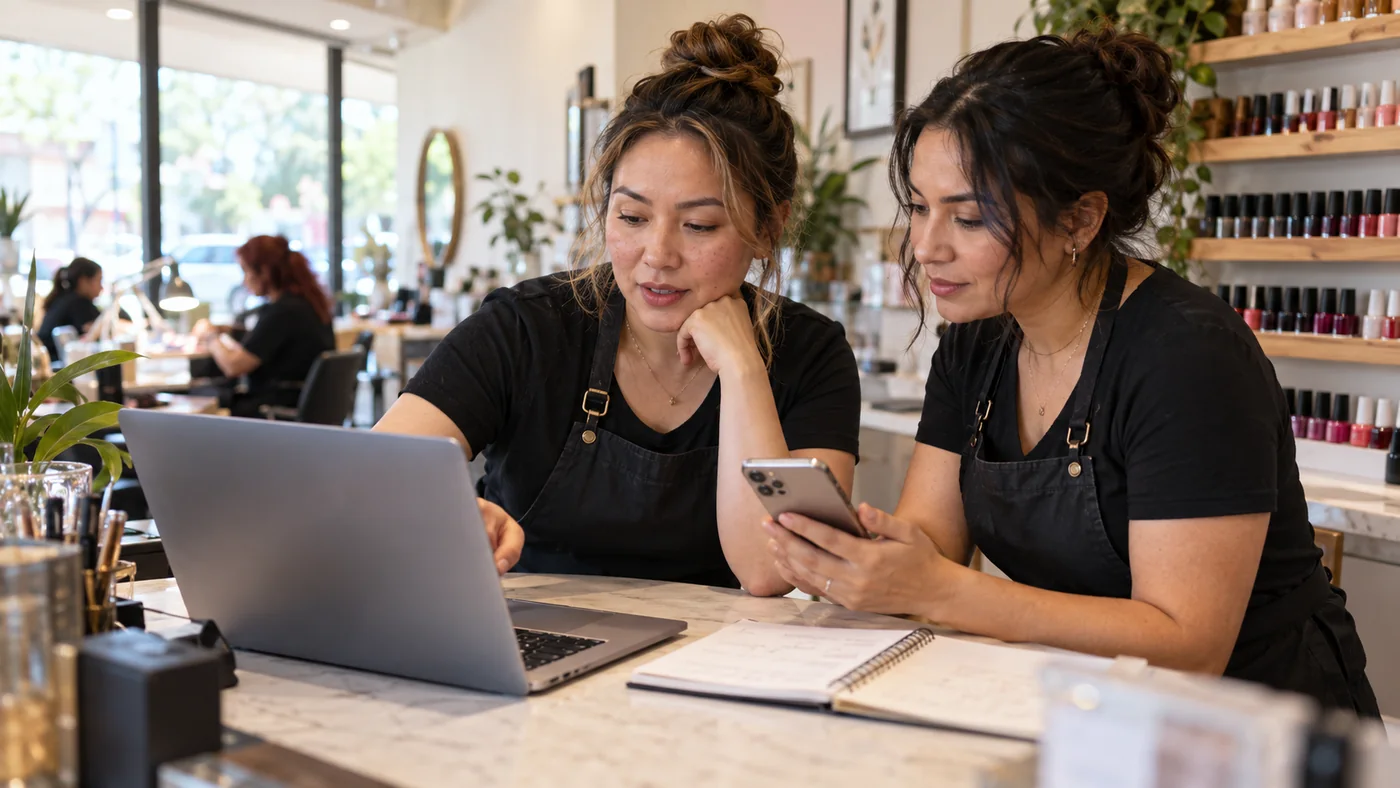
    Salon staff comparing website details with their business information.
    AI-generated lifestyle image for Ontiloo Insights.

    Your salon website and Google Business Profile should describe the same real business. The wording does not need to be identical, but the important facts should agree. Customers lose confidence when one source lists different hours, prices or booking instructions from another.

    Match the facts that affect a visit

    FactWebsite checkProfile check
    NameHeader, contact page and footer identify the business correctlyThe public real-world name is used
    LocationFull address, suite and directions are accurateAddress and map pin point to the correct place
    HoursRegular and temporary changes are clearRegular and special hours are current
    ServicesThe menu reflects what customers can bookListed services are still offered
    BookingButtons lead to the correct provider and branchThe appointment destination matches
    ContactPhone and forms reach the right teamThe public phone works

    Allow useful differences in presentation

    The website can explain a service in more depth than a profile field allows. A profile can present quick facts for a nearby searcher. Consistency means the two sources do not contradict one another; it does not mean copying the same paragraph into every field.

    Review claims as well as contact details

    Check statements about walk-ins, appointments, accepted payments, gift cards and service availability. If a benefit applies only at one branch or under certain conditions, make that clear. Remove offers that have ended and avoid leaving an old promotion visible on one channel after the team has stopped honoring it.

    Use one change request

    1. Record the proposed change and its effective date.
    2. Get approval from the person responsible for the service or location.
    3. Update the master information sheet.
    4. Update the website, profile, booking system and printed materials as needed.
    5. Verify the public information after platform reviews complete.

    Keep a short checklist near the process for changing hours or prices. A coordinated update is easier than discovering conflicts from a frustrated customer’s call.

    Audit the journey, not just the text

    Open the profile, follow its website link, choose a service and start the booking process. The correct information on two separate pages is not enough if the link between them sends a guest to an old domain or another location. Test the connections as part of the review.

    Published by Ontiloo · October 14, 2026. Examples are illustrative unless stated otherwise. Product capabilities, prices and platform rules should be checked against the current provider documentation and your agreement.

  • How to Check Whether Your Salon Appears in AI Search

    How to Check Whether Your Salon Appears in AI Search

    Skip to content
    Bring your payments, POS, and marketing together with OntilooLearn more about Ontiloo solutions

    Local SEO & AI Search

    How to Check Whether Your Salon Appears in AI Search

    Track salon AI-search visibility with a repeatable prompt log, source checks, Search Console impressions and separate measures for visits and inquiries.

    By Ontiloo · October 14, 2026 · 2 min read

    Salon colleagues checking online search results on a laptop and phone.
    AI-generated lifestyle image for Ontiloo Insights.

    Use a repeatable observation method to check AI-search visibility. Record the query, platform, date, location context and cited sources, then compare observations over time. Keep this separate from website traffic and appointments: a brand mention, a citation and a booking are different outcomes.

    Create a small query set

    Choose questions that reflect real customer needs. Include a branded query, a service-and-location query, a visit-planning question and a comparison question relevant to your business. Use the same wording when comparing runs. Avoid generating hundreds of near-identical prompts that produce an impressive-looking but difficult-to-interpret score.

    Log fieldWhat to record
    Query and platformThe exact wording and service used
    Date and contextTime, stated location and relevant account settings
    Business mentionWhether the salon is named and whether the facts are correct
    CitationThe actual linked source, if one is provided
    Accuracy issueWrong hours, address, service or unsupported claim
    ActionThe source correction or website improvement to investigate

    Check the source behind an answer

    If an answer gives incorrect information, follow the cited source where available. The problem may originate in an old directory, an outdated page or an unsupported inference. Correct information you control and use the relevant platform’s process for other sources. Do not assume that changing one page immediately changes every AI answer.

    Use first-party reporting where available

    Google’s Generative AI performance report in Search Console reports impressions for AI Overviews and AI Mode. Google states that the report may not appear when a site has insufficient impressions. Review the available page, country, device and date views rather than inventing a visibility total from manual searches.

    Check website analytics for identifiable AI referrals, recognizing that some traffic may not retain a useful referrer. Measure contact forms, qualified calls and completed appointments separately. A referral report alone cannot establish that an AI mention caused a sale.

    Review monthly and investigate changes

    Keep a stable observation set, note website updates and compare similar periods. Treat individual AI responses as variable samples rather than permanent rankings. Use the findings to prioritize factual corrections and useful content, not to promise that a specific phrase will force a citation.

    Published by Ontiloo · October 14, 2026. Examples are illustrative unless stated otherwise. Product capabilities, prices and platform rules should be checked against the current provider documentation and your agreement.