
Business Growth
Coffee Shop POS Checklist: Counter Speed, Payments and Reporting
Choose a coffee shop POS with a counter-service test covering drink modifiers, payments, receipts, refunds, reporting and support during busy periods.
By Ontiloo · October 14, 2026 · 2 min read
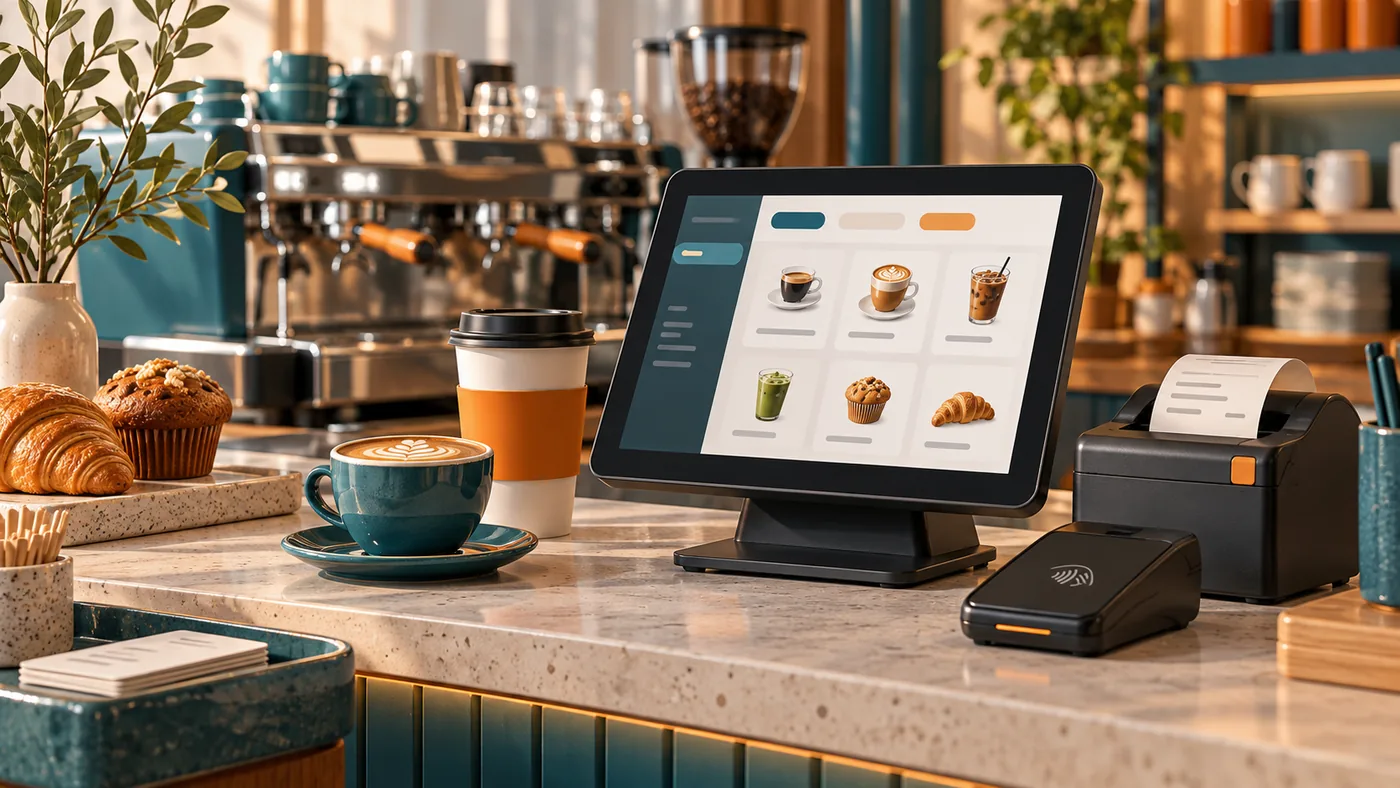
A coffee shop POS needs to keep the order accurate while the queue moves. Test how staff enter sizes, milk choices, extra shots and food items, then check how the order reaches the barista and how payment is reconciled. The best configuration depends on your actual menu and service flow.
Run a realistic counter test
Prepare a fictional order with two drinks, different modifiers and a food item. Change one drink after entry, apply an approved discount and complete payment. Then demonstrate a refund and a closing report. Let a team member operate the system so you can see where the interface needs explanation.
| Checklist area | What to demonstrate |
|---|---|
| Menu and modifiers | Sizes, milk choices, extras and required selections |
| Order handoff | Readable tickets or a supported display for the preparation team |
| Payment | Supported methods, accurate totals and clear status |
| Corrections | Voids, changes and refunds with appropriate permissions |
| Reporting | Product mix, sales, discounts and payment reconciliation |
| Resilience | Network failure, printer failure and support response |
Distinguish required features from extras
Loyalty, inventory, online ordering and accounting connections may be useful, but they should solve a defined problem. Ask whether each is native, integrated or unavailable, and whether it adds a separate subscription. A feature list does not establish that the proposed plan includes it.
Measure practical speed
Do not judge speed only from a simple one-item transaction. Test a realistic order and a correction. Observe whether staff can find common items, whether prompts are clear and whether customers can use the reader comfortably. Accuracy matters as much as reducing taps.
Understand the full commitment
Compare hardware, software, processing, installation, support and integration costs over the same period. Confirm ownership, replacement terms and export options. Ask how the provider supports early opening hours if that is important to your business.
Prepare the first week
Check menu prices, modifiers, receipts and payment reports. Train staff on the approved fallback process and keep a short issue log. Review transactions and deposits during the first trading days so configuration mistakes are found quickly.
Use this checklist when discussing Ontiloo’s POS and payment options. Confirm the exact coffee-shop functions and hardware in a written proposal before deciding.
Keep exploring
Published by Ontiloo · October 14, 2026. Examples are illustrative unless stated otherwise. Product capabilities, prices and platform rules should be checked against the current provider documentation and your agreement.